Tidy Tables
Price and comparison tables that fit on phones
In Wix review
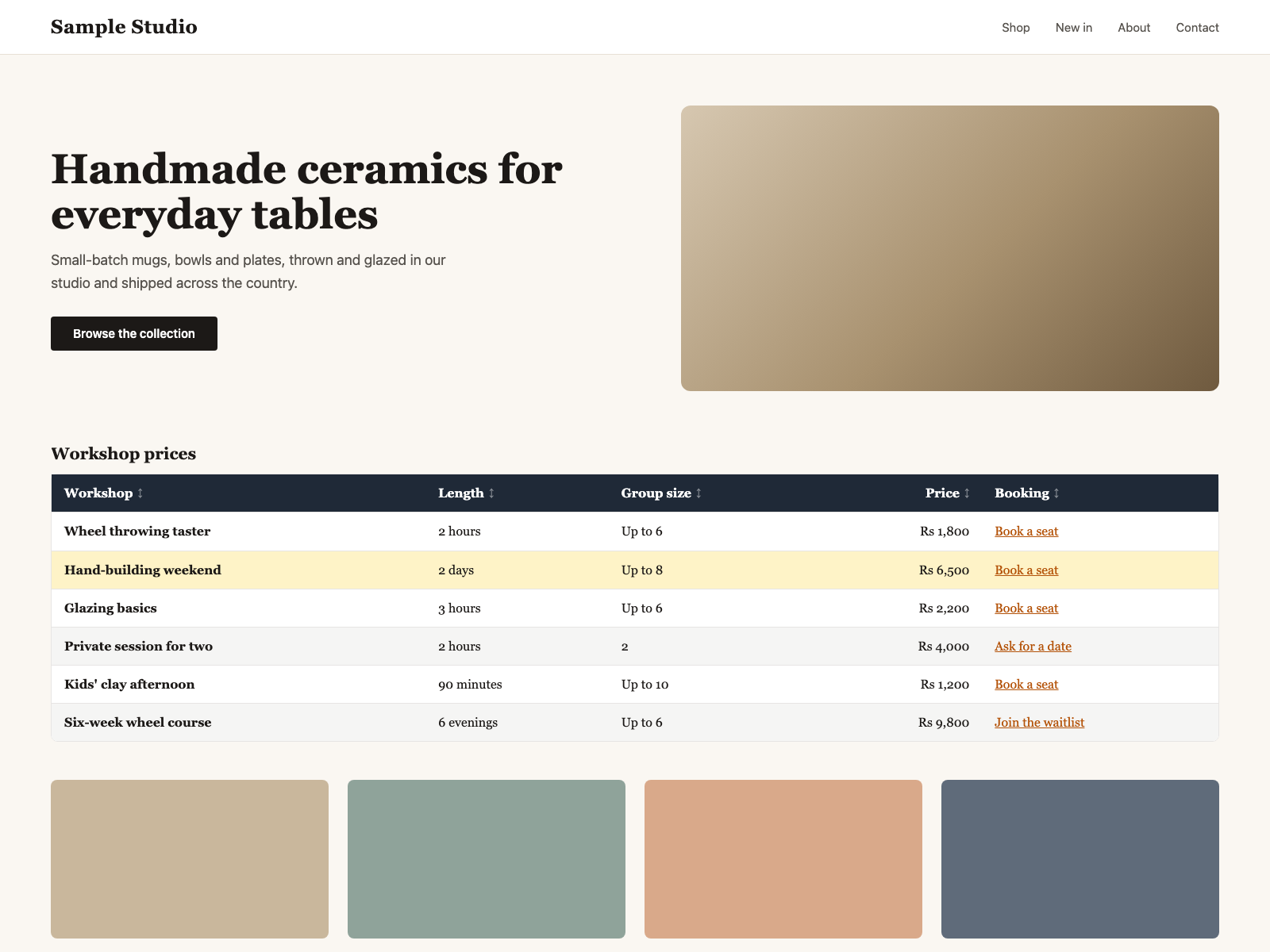
Tidy Tables puts data, price and comparison tables on your pages. Build them in a simple grid in your dashboard: add, move and delete rows and columns anywhere, or paste cells straight from a spreadsheet.
On phones you choose how the table reads: each row becomes a small card with its labels, or the table scrolls sideways while the first column stays in place. Nothing gets cut off.
Tables are real HTML tables with a caption and proper headers, so screen readers and search engines can read them. Sorting, links in cells, highlighted rows and every colour and font setting are free. The free plan has 2 tables with up to 50 rows each.
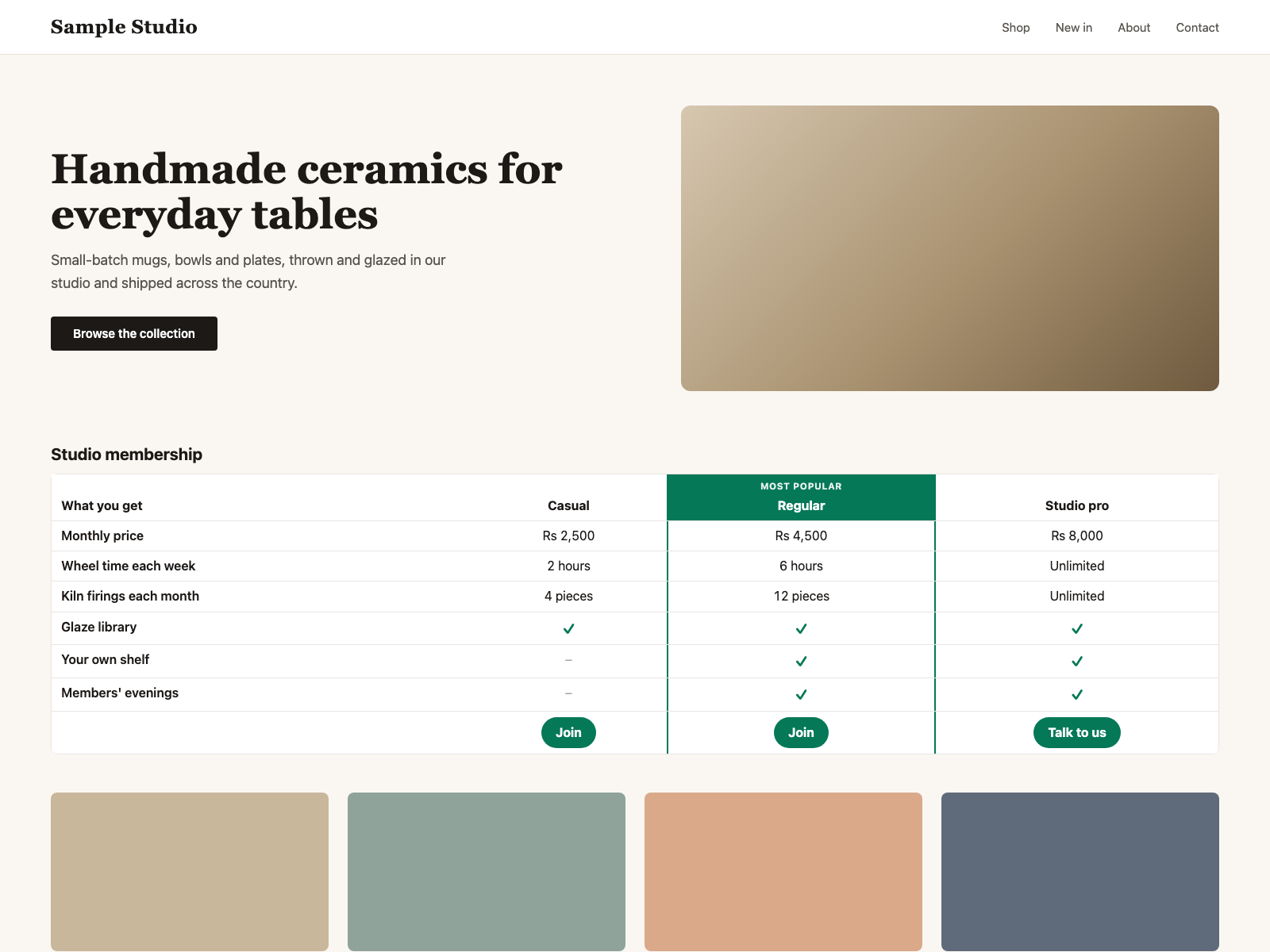
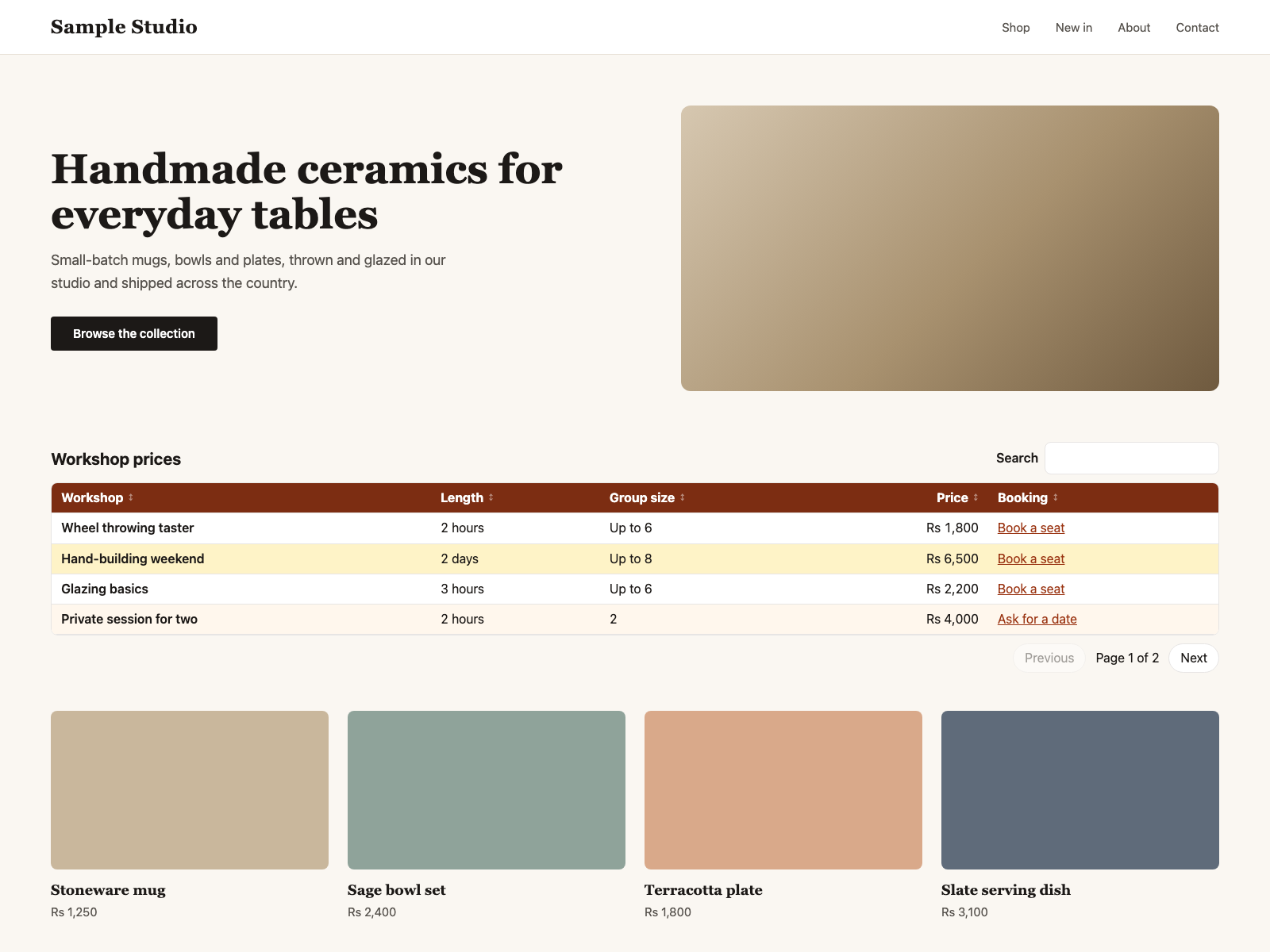
The Pro plan adds unlimited tables and rows, a search box and pages, CSV import and export, pricing and comparison styles with check marks, badges and buttons, duplicate tables and rules that highlight rows by their content.
Set it up
- Add the app from the Wix App Market and approve it for your site.
- Open Tidy Tables in your Wix dashboard and change the settings. The preview shows the result.
- Press Save, then open your live site to check it.
Free and Pro
| Free | Pro | |
|---|---|---|
| Readable on phones: stacked cards or side scroll | Yes | Yes |
| Insert, move and delete rows and columns anywhere | Yes | Yes |
| Paste cells from a spreadsheet | Yes | Yes |
| Sorting, links in cells and highlighted rows | Yes | Yes |
| Search, pages, csv, pricing tables, duplicates | No | Yes |
| Price | Free | USD 3.95 a month or USD 39.50 a year, per site, billed by Wix |
Privacy
Your tables are stored in your own Wix site data. The app collects nothing about your visitors. Full policy: privacy.
Questions
Is Tidy Tables free?
Yes. The free plan has no time limit and shows no credit line on your site. Pro costs USD 3.95 a month or USD 39.50 a year and is billed by Wix.
How do I upgrade or cancel?
Open Tidy Tables in your Wix dashboard and press Upgrade. You cancel the subscription from your Wix account, like any app plan. Your settings stay as they are.
Does it slow my site down?
The app runs inside your Wix site with no outside server, and its code loads after your page content.
Where are my settings stored?
Inside your Wix site. We run no server for this app, so nothing you enter is sent to us.