Then and Now Image Compare
Drag to compare before and after photos
In Wix review
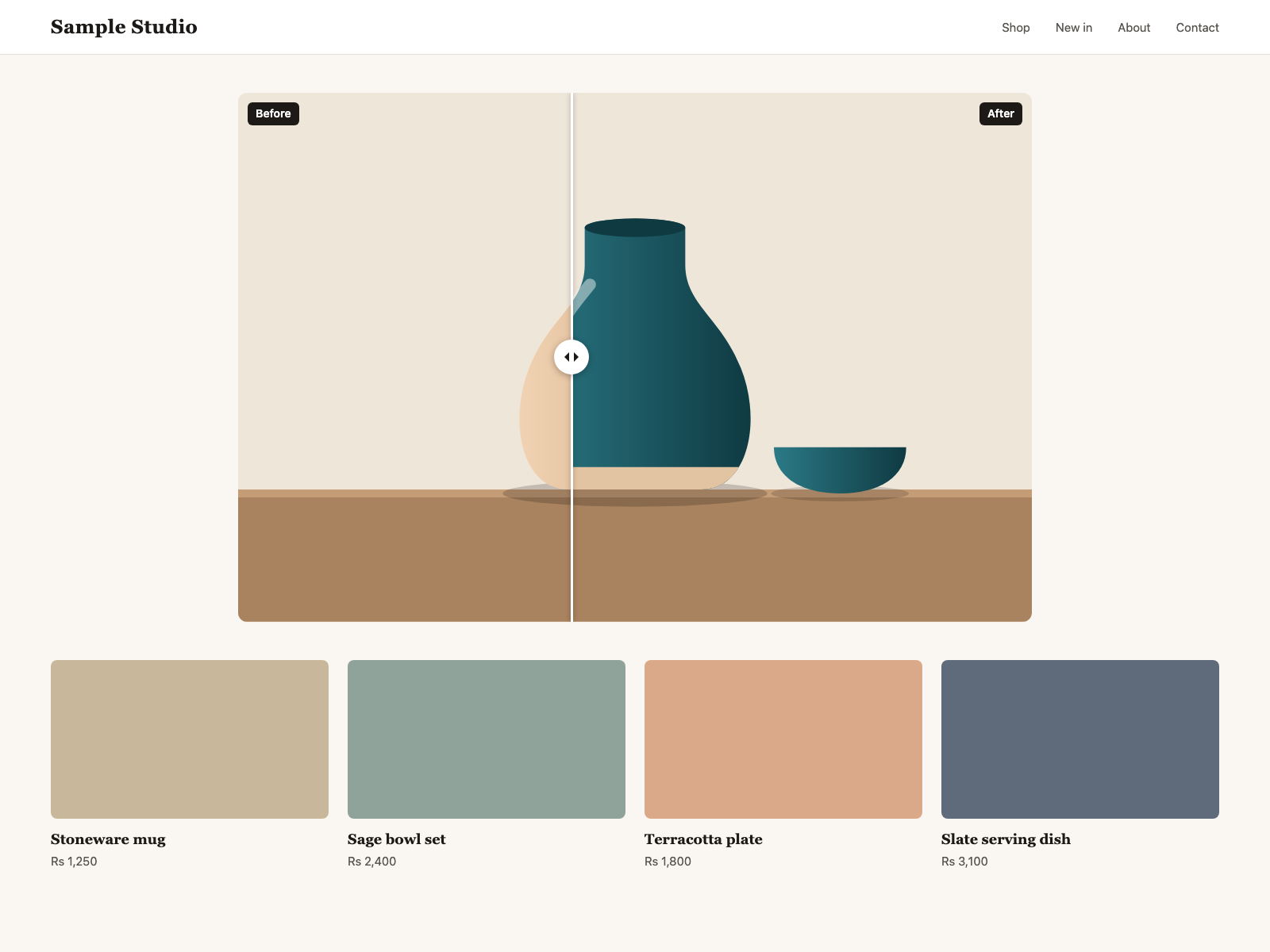
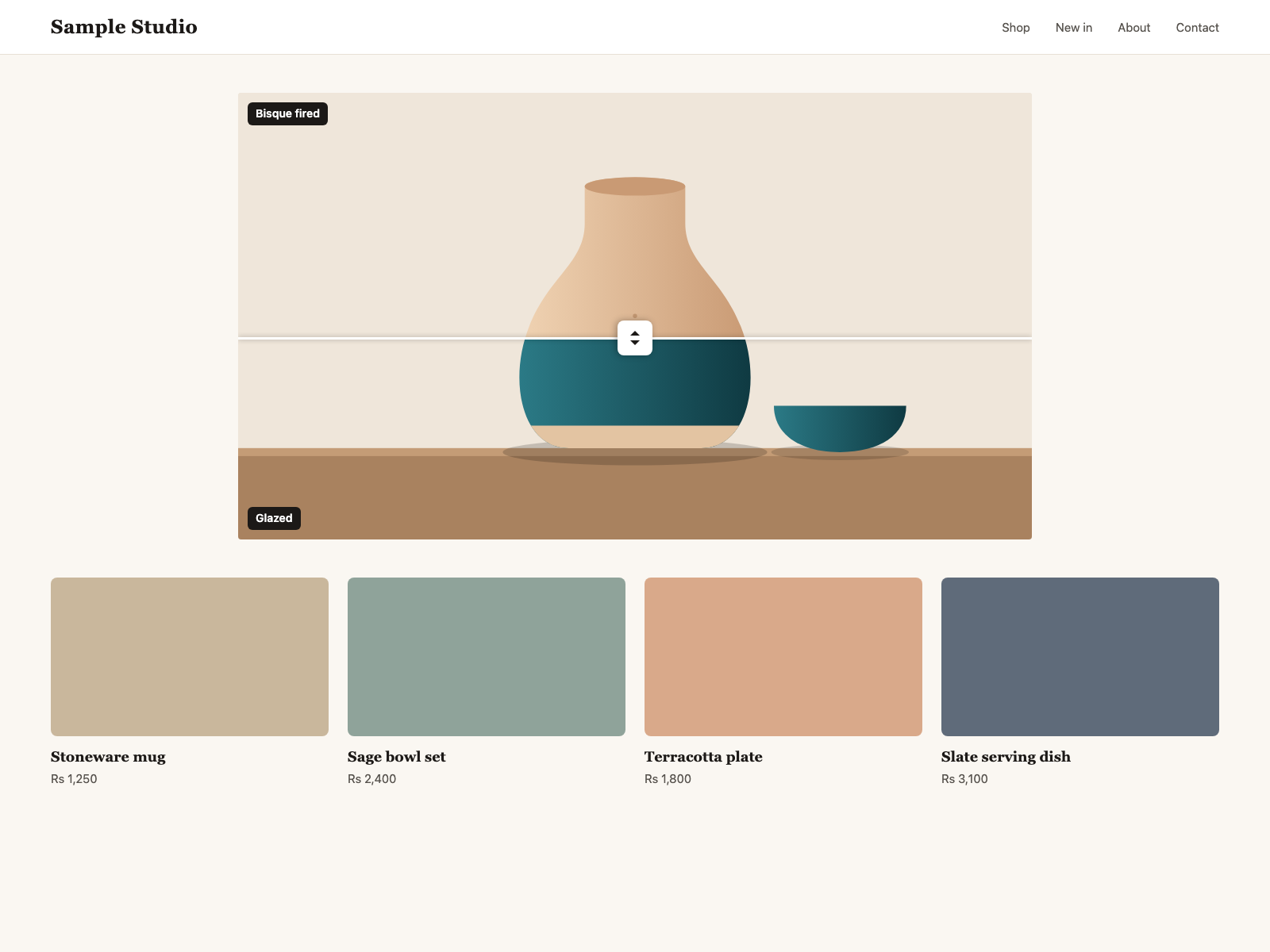
Then and Now Image Compare puts two photos of the same thing on top of each other. Visitors drag the divider, use the arrow keys, or swipe on a phone to see the change. It suits salons, clinics, builders, cleaners, painters and photographers.
The free plan has the full comparison: side by side or top and bottom, labels, the starting position, three handle styles, your colours, rounded corners and alt text for both photos. Add as many comparisons as you like. There is no watermark or credit line.
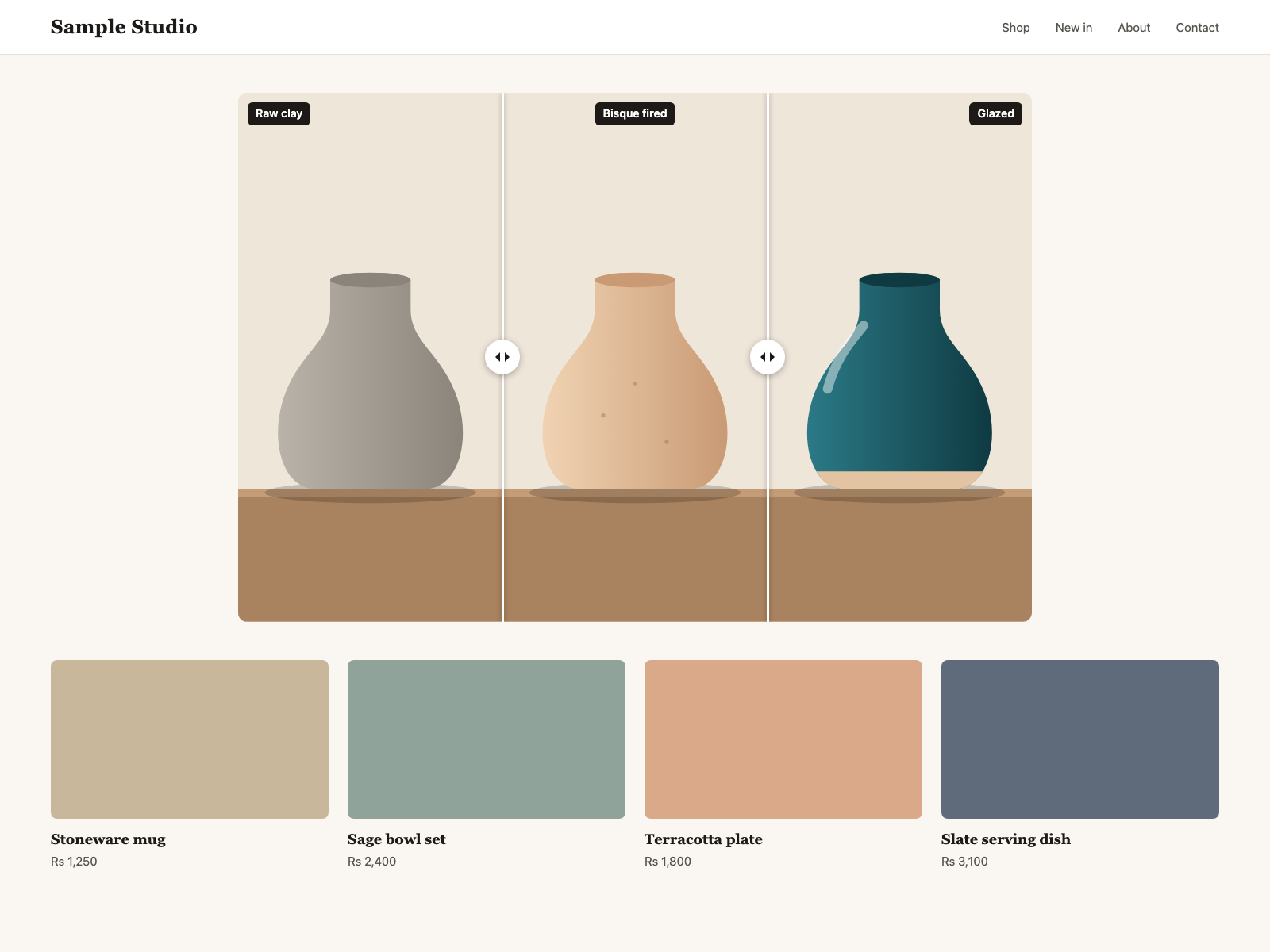
The Pro plan adds a mode where the divider follows the mouse, a one-time sweep when the slider scrolls into view, and three-stage comparisons with a during photo.
Everything runs on your own page. Photos load lazily from your site's media, with no outside server that can go down.
Set it up
- Add the app from the Wix App Market and approve it for your site.
- Open Then and Now Image Compare in your Wix dashboard and change the settings. The preview shows the result.
- Press Save, then open your live site to check it.
Free and Pro
| Free | Pro | |
|---|---|---|
| Drag, swipe or use arrow keys to compare | Yes | Yes |
| Side by side or top and bottom | Yes | Yes |
| Labels, handle styles, colours and alt text, all free | Yes | Yes |
| No watermark and no limit on comparisons | Yes | Yes |
| Follow-the-mouse mode and a sweep on view | No | Yes |
| Three stages, before, during and after | No | Yes |
| Price | Free | USD 2.95 a month or USD 29.50 a year, per site, billed by Wix |
Privacy
The app stores only your settings, inside your Wix site. It collects nothing about your visitors. Full policy: privacy.
Questions
Is Then and Now Image Compare free?
Yes. The free plan has no time limit and shows no credit line on your site. Pro costs USD 2.95 a month or USD 29.50 a year and is billed by Wix.
How do I upgrade or cancel?
Open Then and Now Image Compare in your Wix dashboard and press Upgrade. You cancel the subscription from your Wix account, like any app plan. Your settings stay as they are.
Does it slow my site down?
The app runs inside your Wix site with no outside server, and its code loads after your page content.
Where are my settings stored?
Inside your Wix site. We run no server for this app, so nothing you enter is sent to us.