Sparrow QR Studio
Make a QR code for a link or your Wi-Fi in a few seconds, or read one from a screenshot without reaching for your phone.
Coming to the Microsoft Store Try it in your browser
How to use it
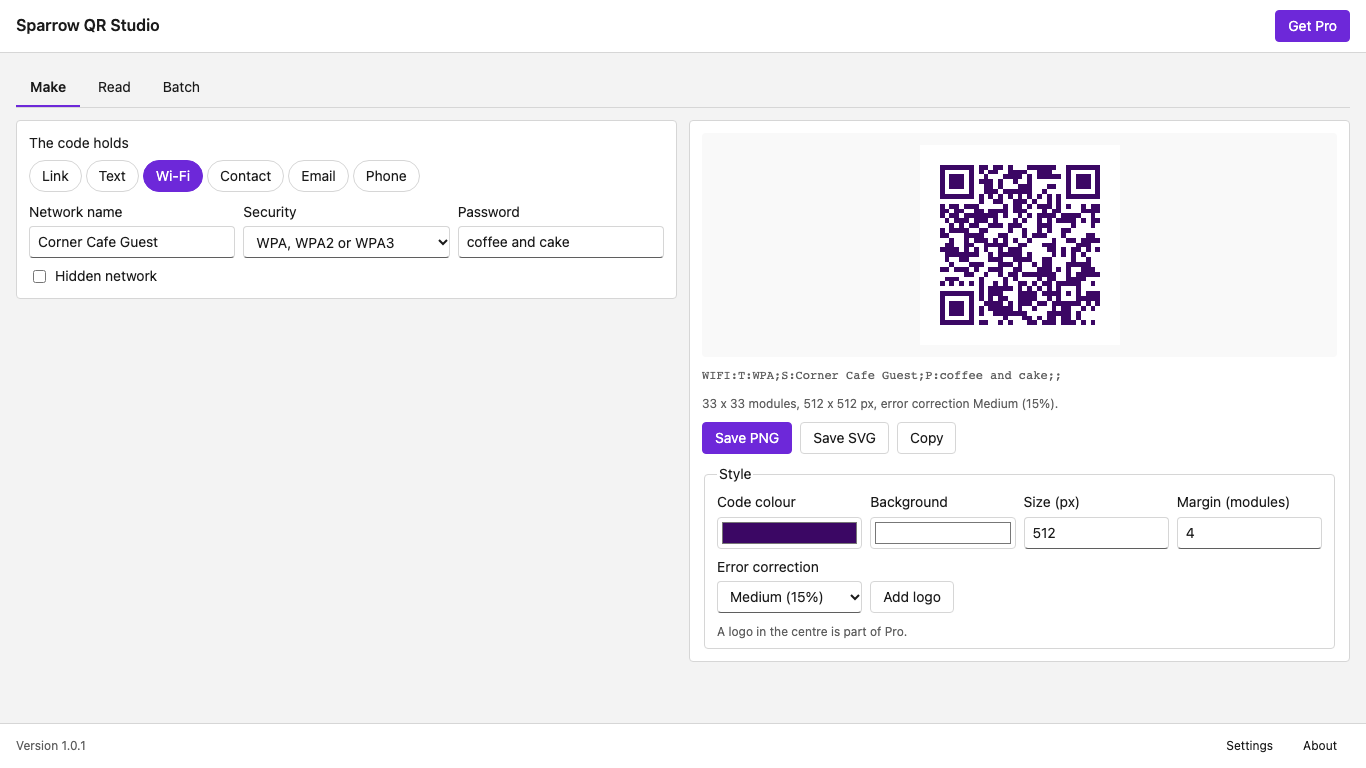
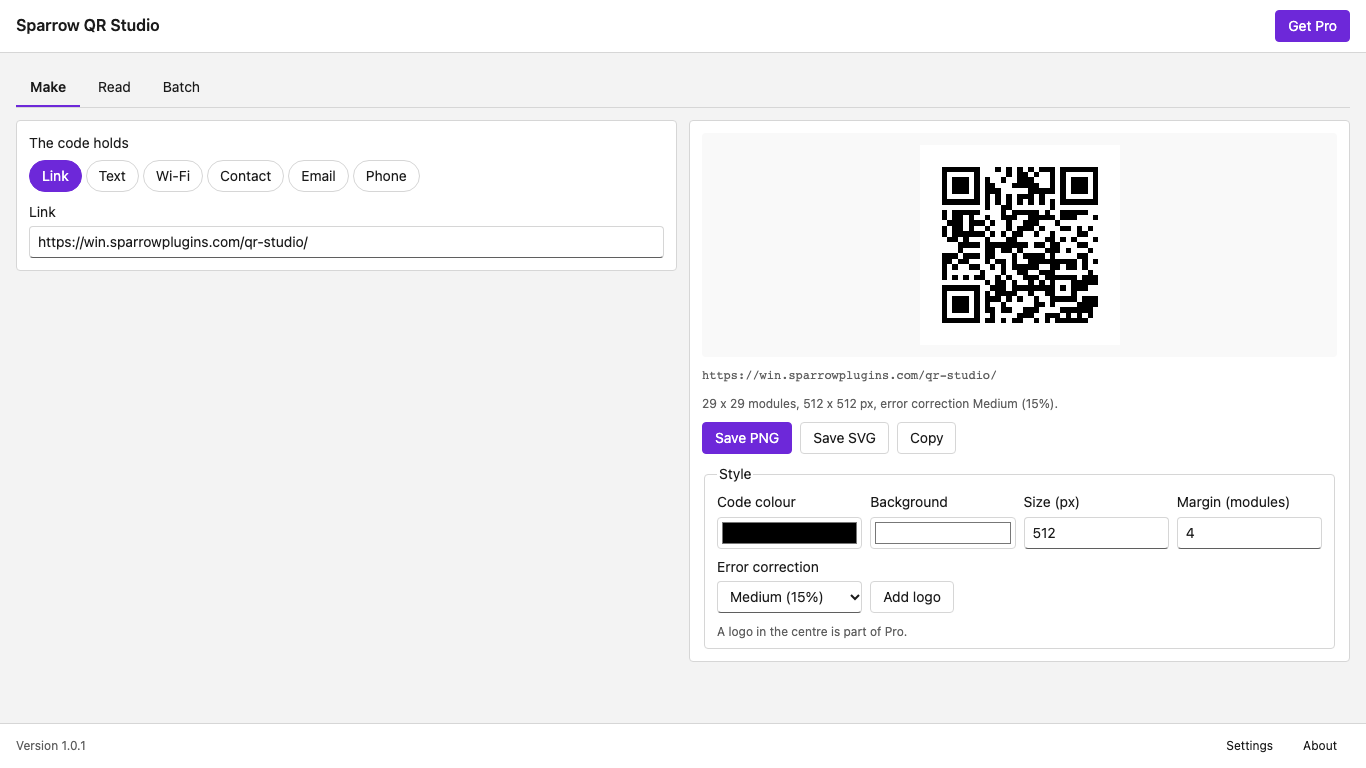
- To make a code, pick what it holds. A link is the usual choice; Wi-Fi, a contact card, an email address and a phone number work too.
- Adjust the look if you want. Colours and size are under Style. Save it as PNG for documents or SVG for print, or just copy it.
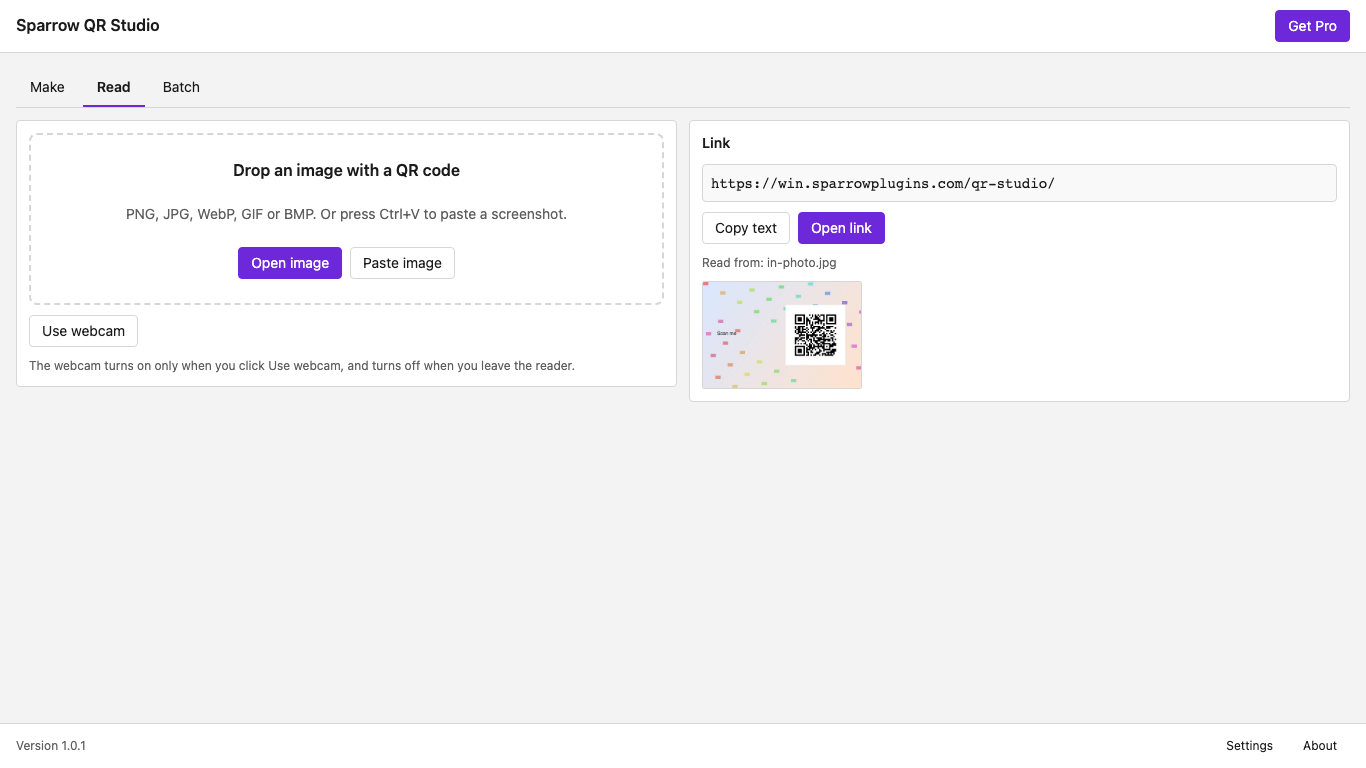
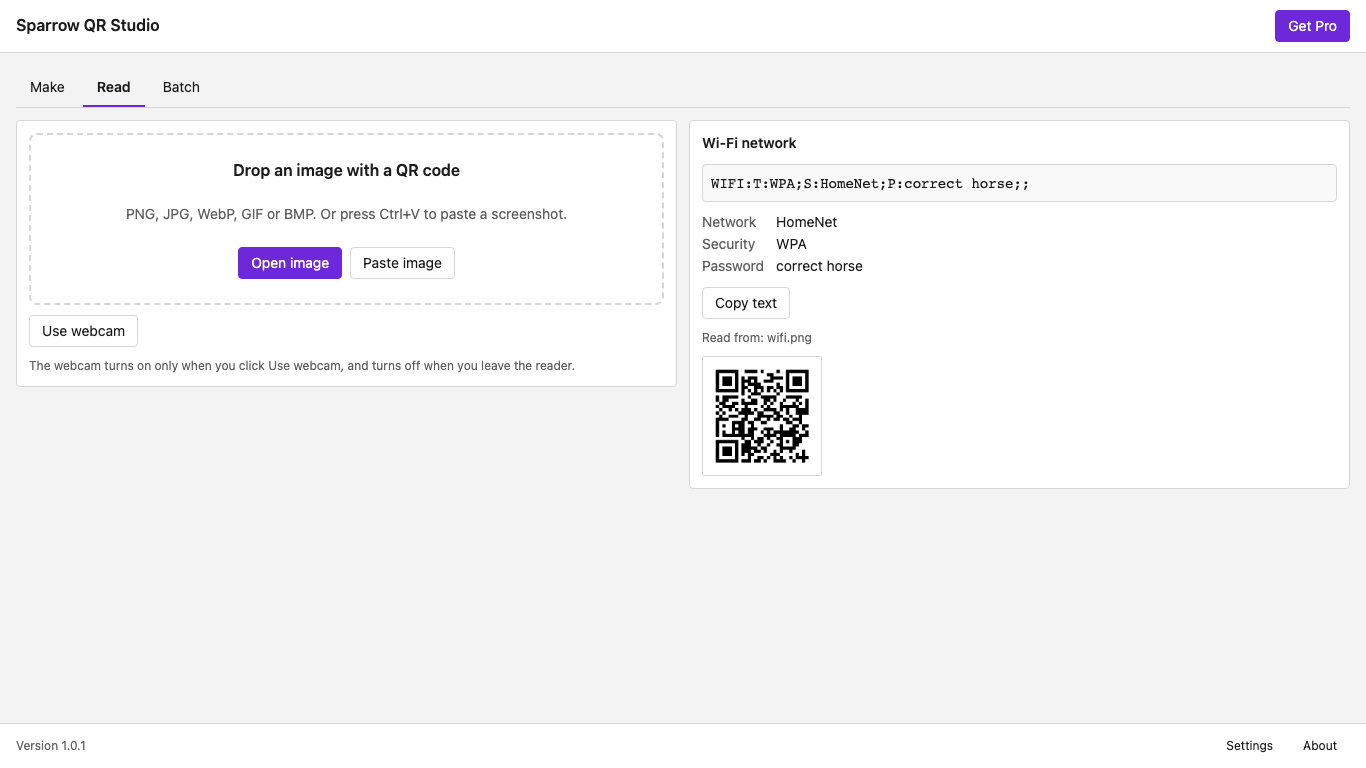
- To read a code, open an image or press Ctrl+V to paste a screenshot. The webcam works as well.
- Copy the result. A link opens only when you click it, and you see the full address before that.
Free and Pro
| Free | Pro | |
|---|---|---|
| Make and read codes | One at a time | One at a time, or in a batch |
| Batch: many codes from a list or CSV | No | Yes, saved as a zip |
| Logo in the centre | No | Yes |
Pro is a one-time purchase of USD 14.99 inside the app, through the Microsoft Store (local price and tax shown there). No subscription, no ads, and the free limits never change after you install.
Questions
Do the codes expire?
No. The code holds the text or link itself, so it works as long as the link does. Nothing goes through our servers.
Is the webcam image saved?
No. Frames are read in memory to find a code and then dropped. Nothing is recorded or uploaded.
Can it make a Wi-Fi code guests can scan?
Yes. Enter the network name, password and security type. Most phone cameras join the network when they scan it.