Sparrow Image Resizer
Got 40 holiday photos that are too big to email? Drop them in, pick a width, and you'll have small copies in a minute. The originals aren't touched.
Coming to the Microsoft Store Try it in your browser
How to use it
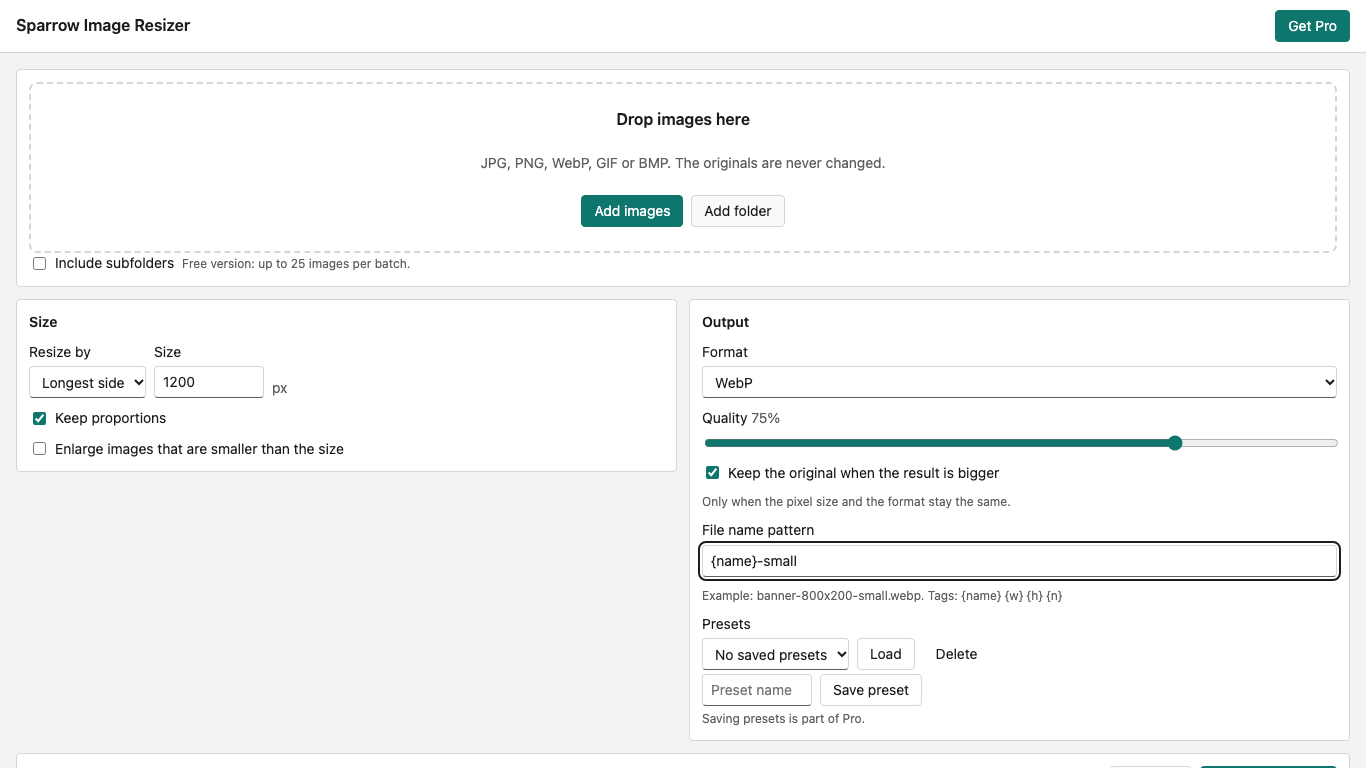
- Drop images on the window or click Add images. You can add a whole folder too.
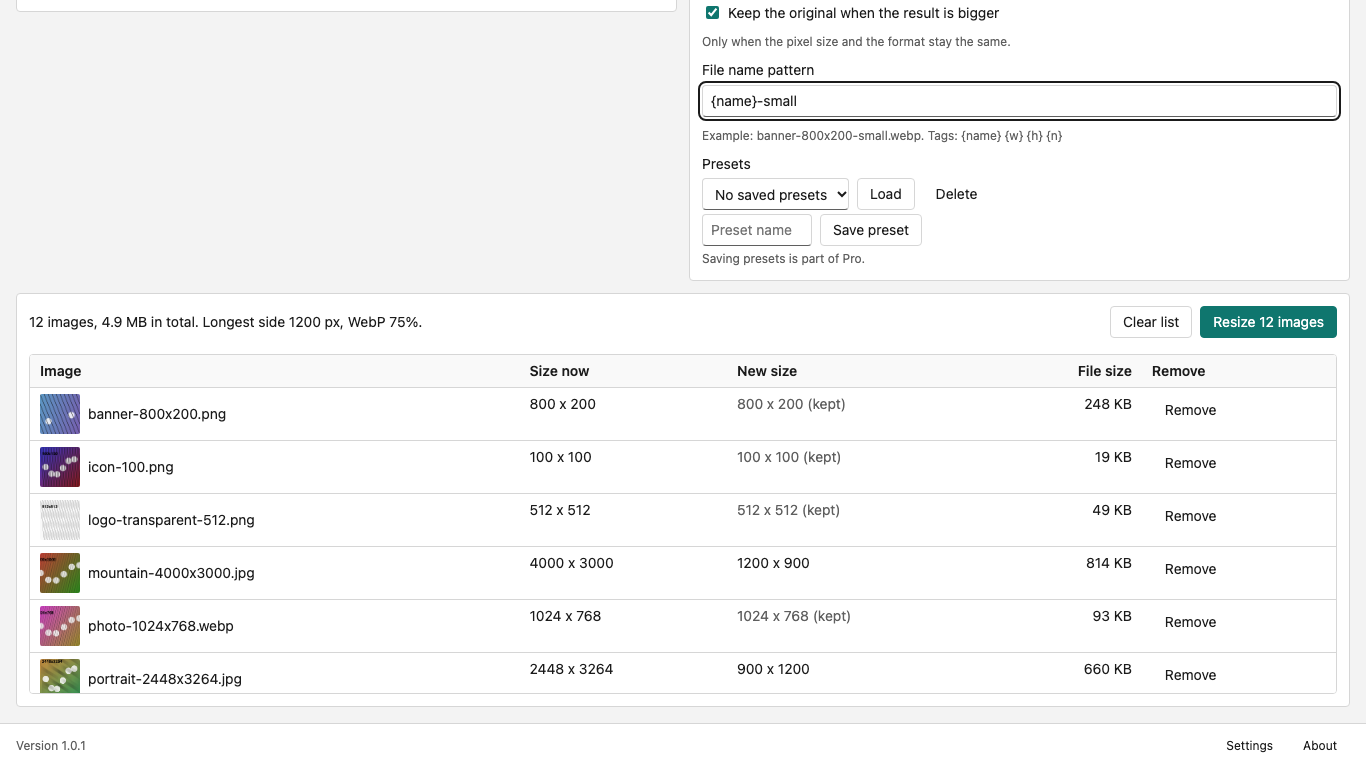
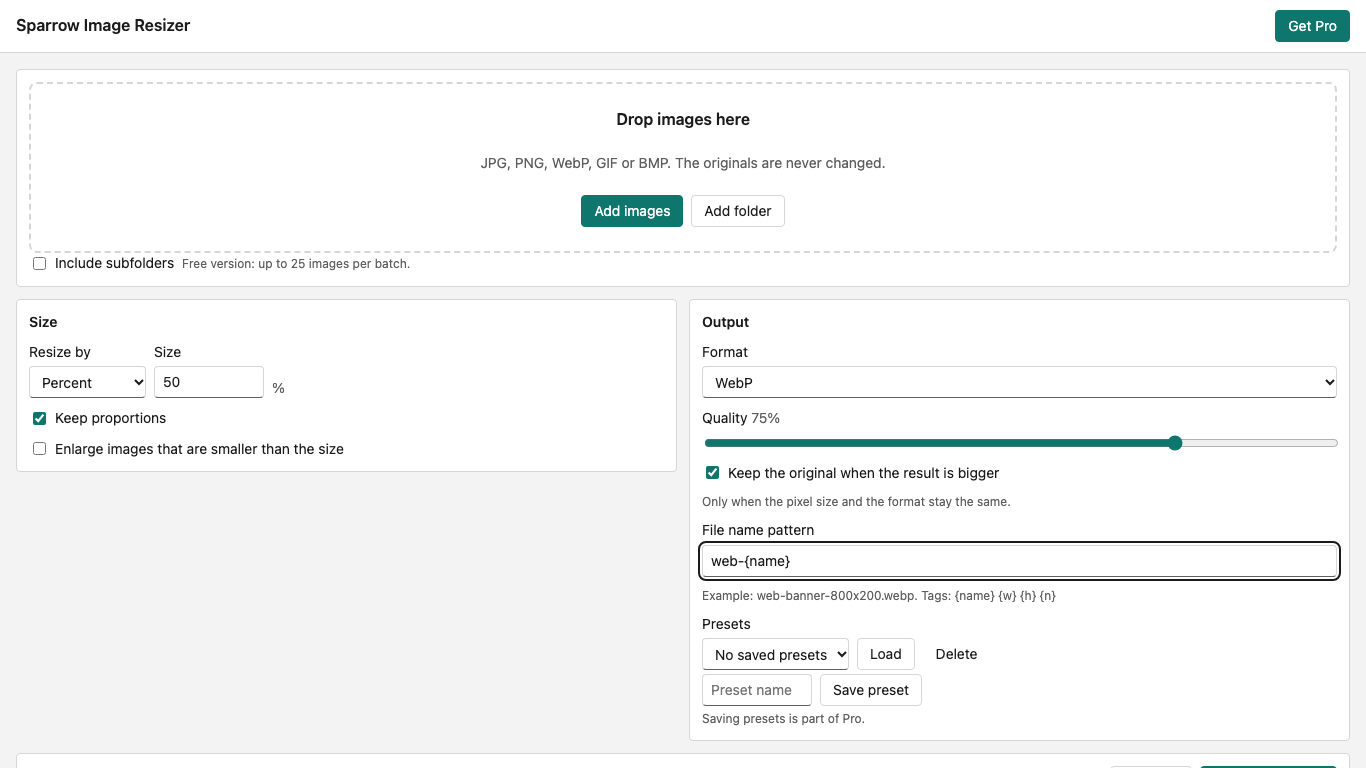
- Pick a target: a width, a height, the longest side, or a percent. Proportions stay as they are, and a photo that's already small isn't blown up.
- Pick the output. JPG is right for most photos; WebP gives smaller files if the place you upload to accepts it. You can also set a name pattern like {name}-{w}x{h}.
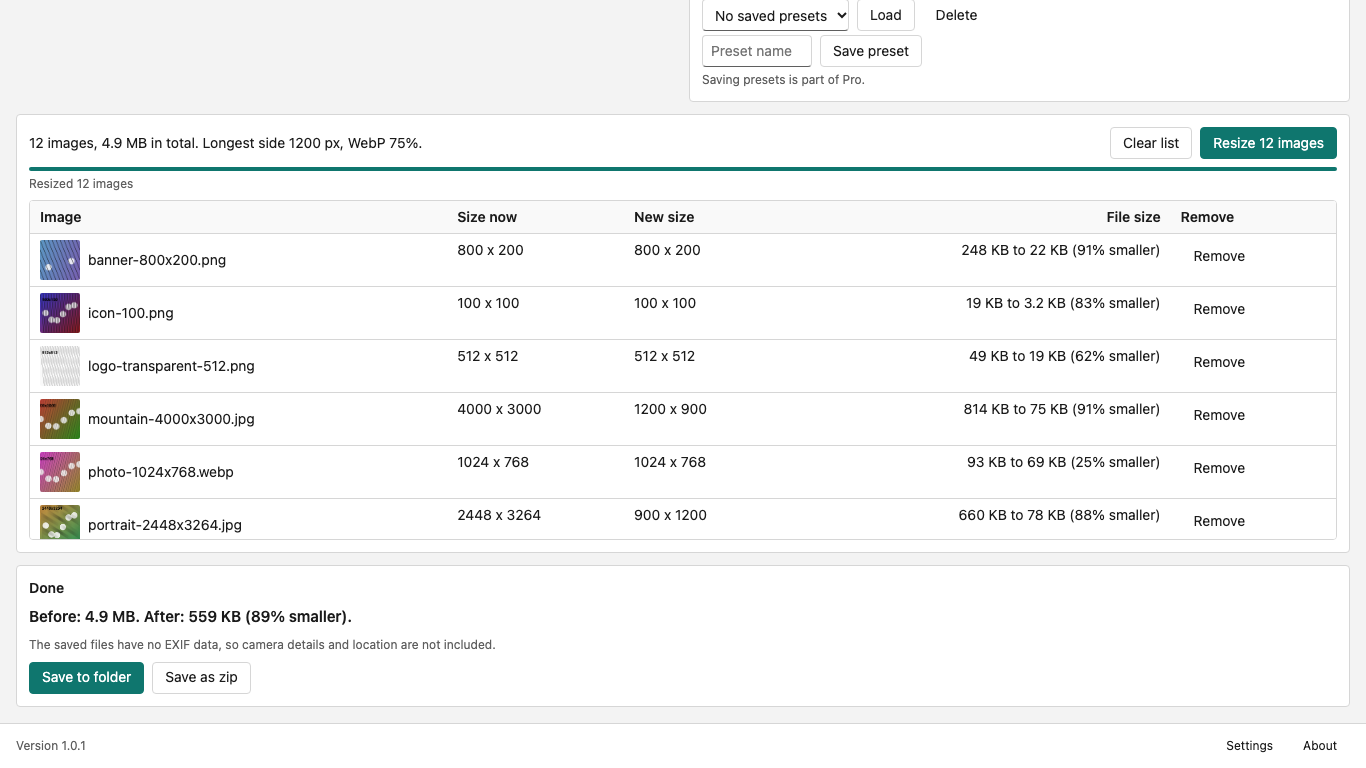
- Click Resize, then save the copies to a folder or grab them as one zip.
Free and Pro
| Free | Pro | |
|---|---|---|
| Images per batch | Up to 25 | No limit |
| Output formats | JPG, PNG or WebP | JPG, PNG or WebP |
| Saved presets | No | Yes |
Pro is a one-time purchase of USD 8.99 inside the app, through the Microsoft Store (local price and tax shown there). No subscription, no ads, and the free limits never change after you install.
Questions
Are my photos uploaded anywhere?
No. Every image is decoded and resized on your PC, even with the network off.
Does it keep the photo's metadata?
No. The copies are saved without EXIF data, so camera details and GPS location don't travel with them. That's usually what you want before sharing.
Which formats can it open?
The common ones: JPG, PNG and WebP, plus GIF and BMP. HEIC photos from iPhones are not supported yet.