Sparrow GIF Maker
Make a GIF from part of a video or from a few photos. Pick the start and end, the frame rate and the width, preview it, and save. No watermark.
Coming to the Microsoft Store Try it in your browser
How to use it
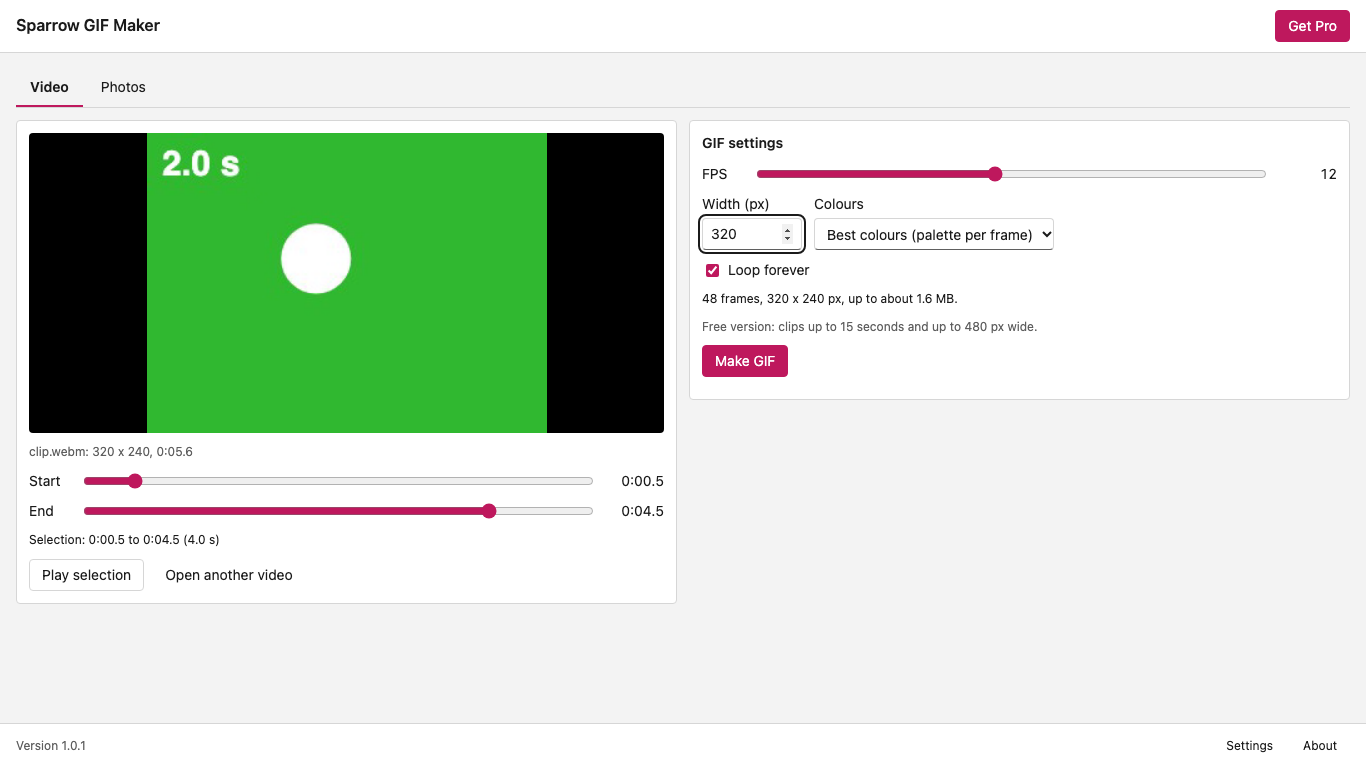
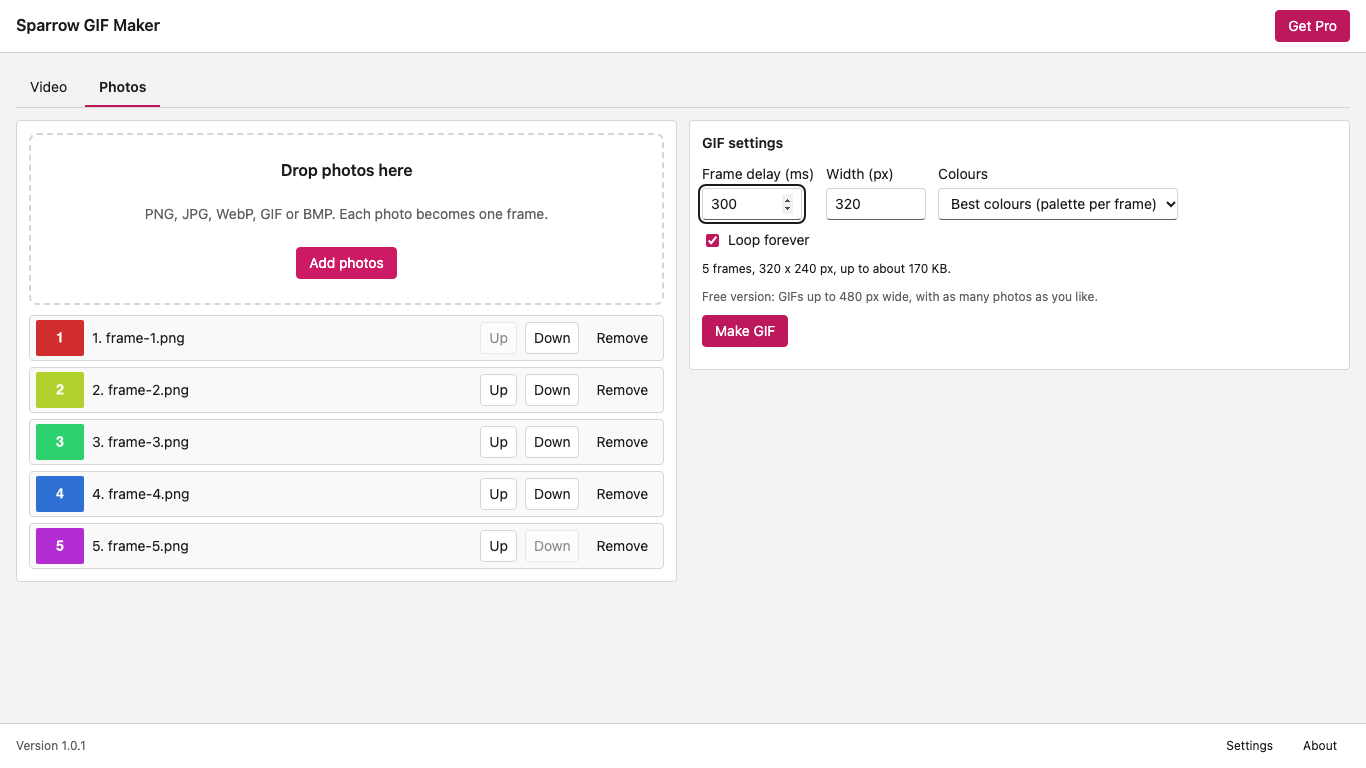
- Click Open video, or switch to Photos and add the images in the order you want.
- For a video, drag the start and end sliders and play the selection to check it.
- Set frames per second (5 to 20) and the width. Smaller settings make a smaller file.
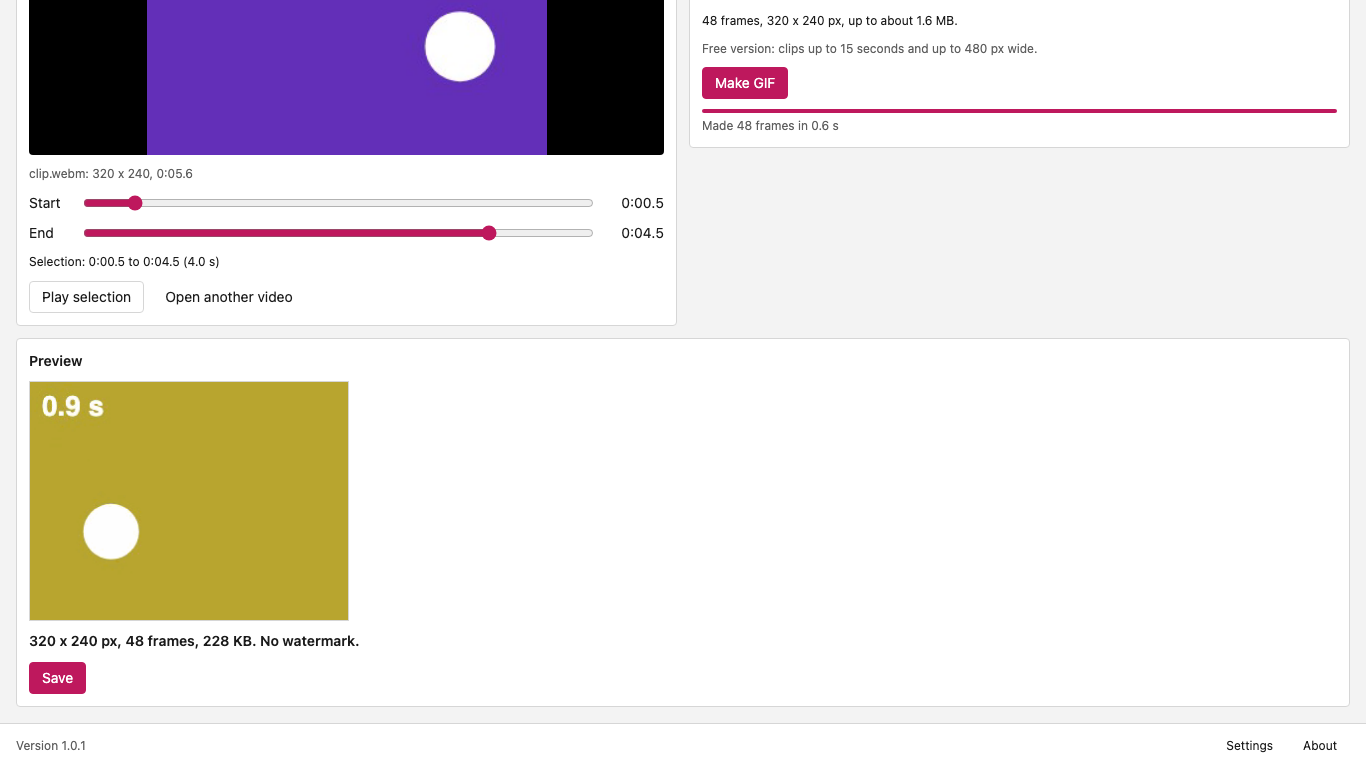
- Click Make GIF, watch the preview, then click Save.
Free and Pro
| Free | Pro | |
|---|---|---|
| Clip length | Up to 15 seconds | Up to 60 seconds |
| Width | Up to 480 px | Up to 1080 px |
| Watermark | Never | Never |
Pro is a one-time purchase of USD 5.99 inside the app, through the Microsoft Store (local price and tax shown there). No subscription, no ads, and the free limits never change after you install.
Questions
Which video files can it open?
MP4 and MOV files with H.264 video, and WebM. HEVC (H.265) video is not supported. iPhones record HEVC by default, so set the iPhone camera to Most Compatible, or convert the clip to MP4 with H.264 first.
Why is my GIF file large?
GIF is an old format with no real video compression. Lower the width or the frames per second, or shorten the clip.
Is there a watermark?
No, not on the free version and not on Pro.