Sparrow Duplicate Finder
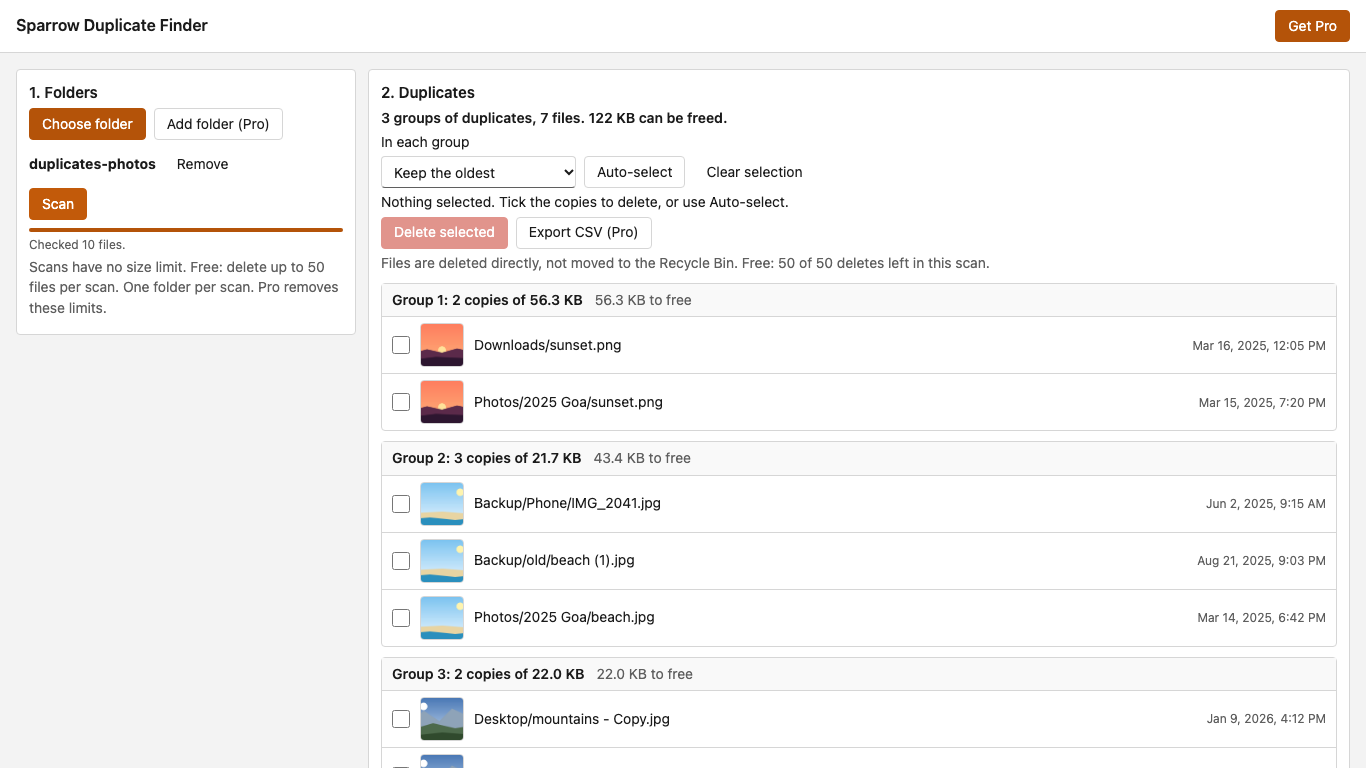
Find files that are exact copies of each other and free up space. Two files only count as duplicates when their full content matches, byte for byte.
How to use it
- Click Choose folder and pick a folder such as Pictures or Downloads.
- Click Scan. The app groups files by size, then compares their content, so files with the same name but different content are never matched.
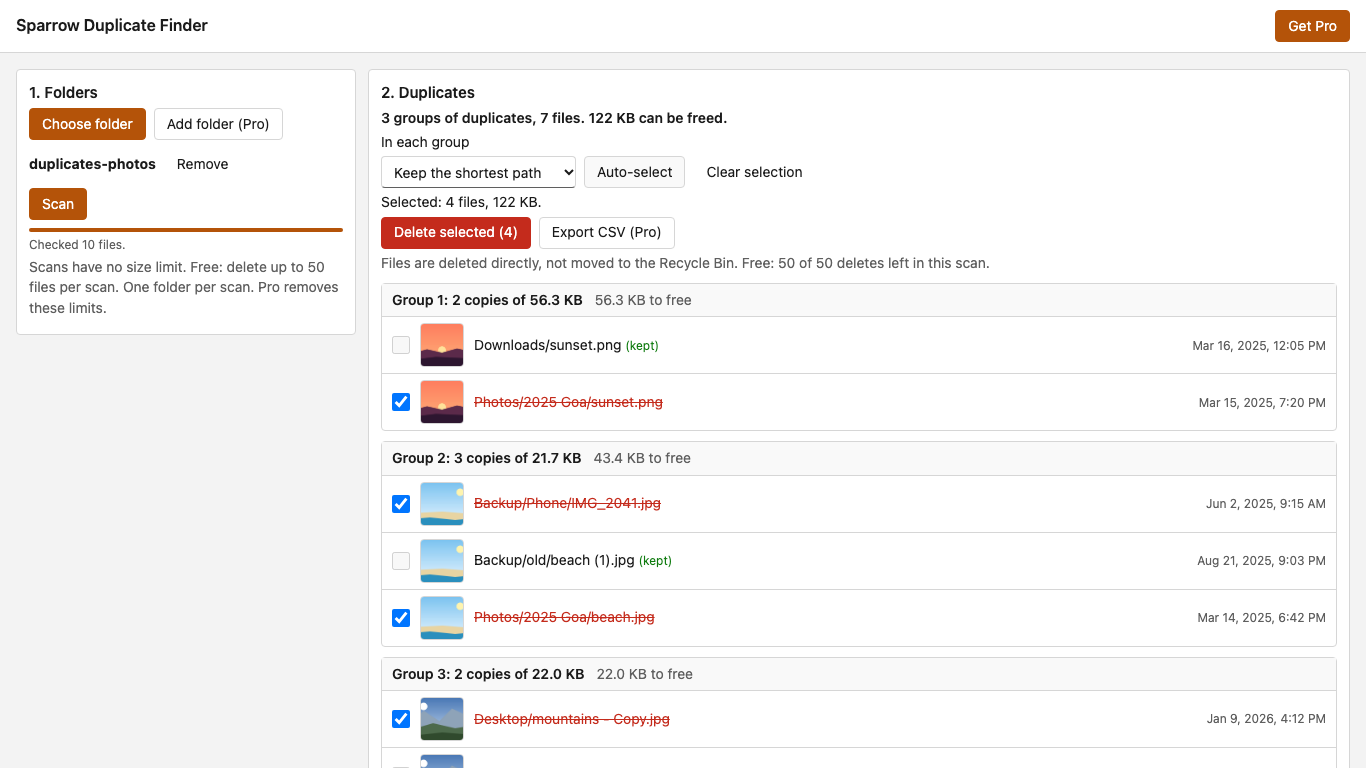
- Pick what to keep in each group, or use Auto-select: keep the oldest, the newest, the shortest path, or the copy in a folder you prefer.
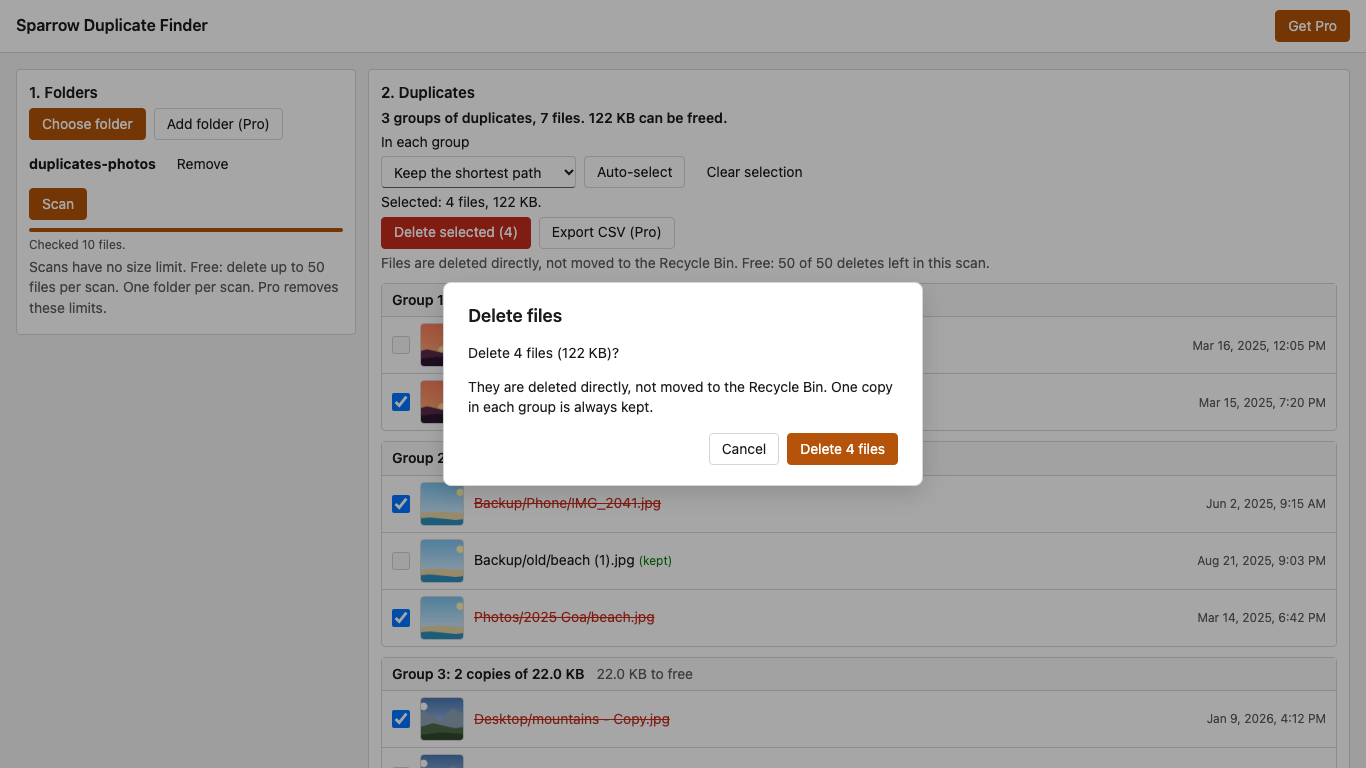
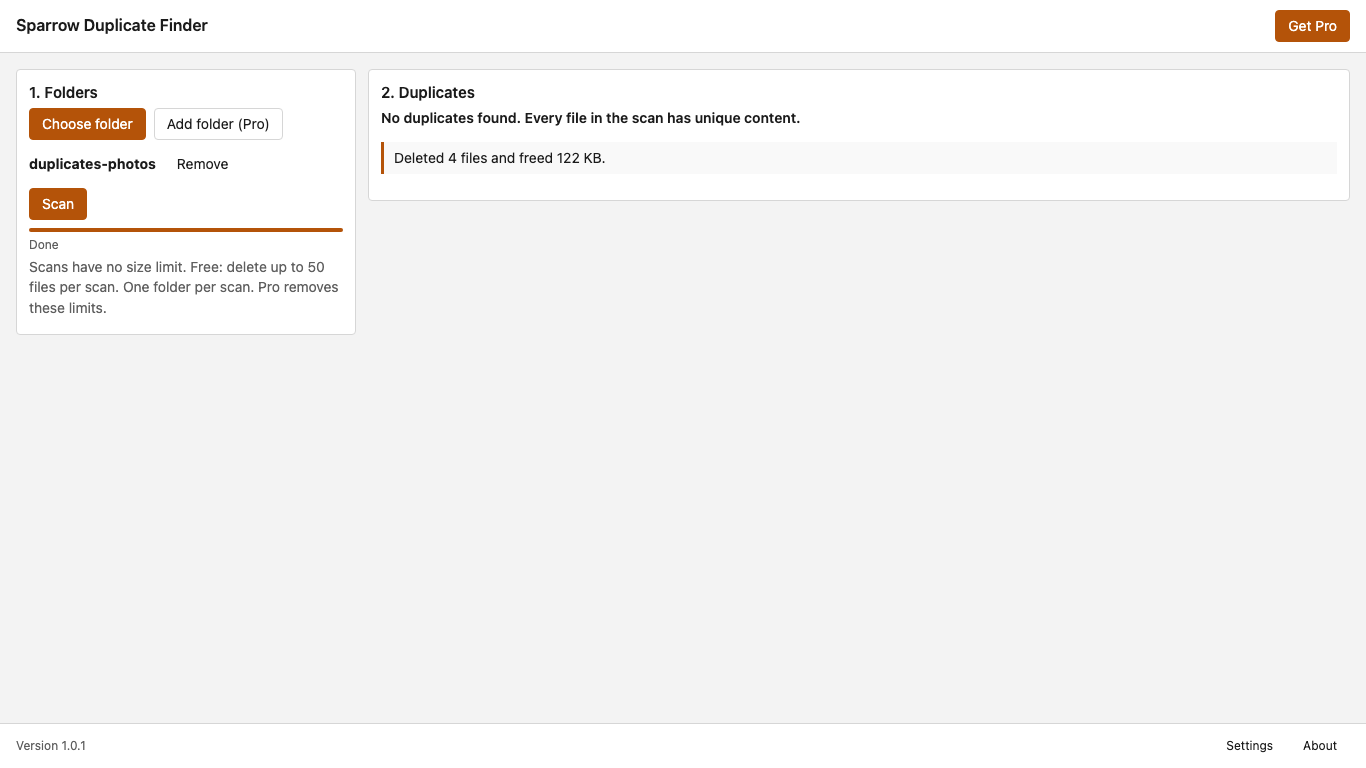
- Click Delete selected and confirm. The app never deletes the last copy in a group.
Free and Pro
| Free | Pro | |
|---|---|---|
| Scan size | Any size | Any size |
| Deletes per scan | Up to 50 files | No limit |
| Folders per scan | 1 | Several |
| CSV report of duplicates | No | Yes |
Pro is a one-time purchase of USD 22.99 inside the app, through the Microsoft Store (local price and tax shown there). No subscription, no ads, and the free limits never change after you install.
Questions
How does it decide two files are the same?
It compares the full content with a hash, after a quick check of size and the first part of the file. Names and dates are not used to decide.
Is the scan limited on the free version?
No. You can scan any folder and see every duplicate. The free limit only applies to how many files you delete per scan.
Can I get deleted files back?
Files are deleted from the folder directly, not moved to the Recycle Bin, so check the selection before you confirm. The app always keeps at least one copy.