Sparrow Bulk Renamer
Rename hundreds of files in one go. Stack simple rules, check every new name in a live preview, then apply. One click undoes the last batch.
How to use it
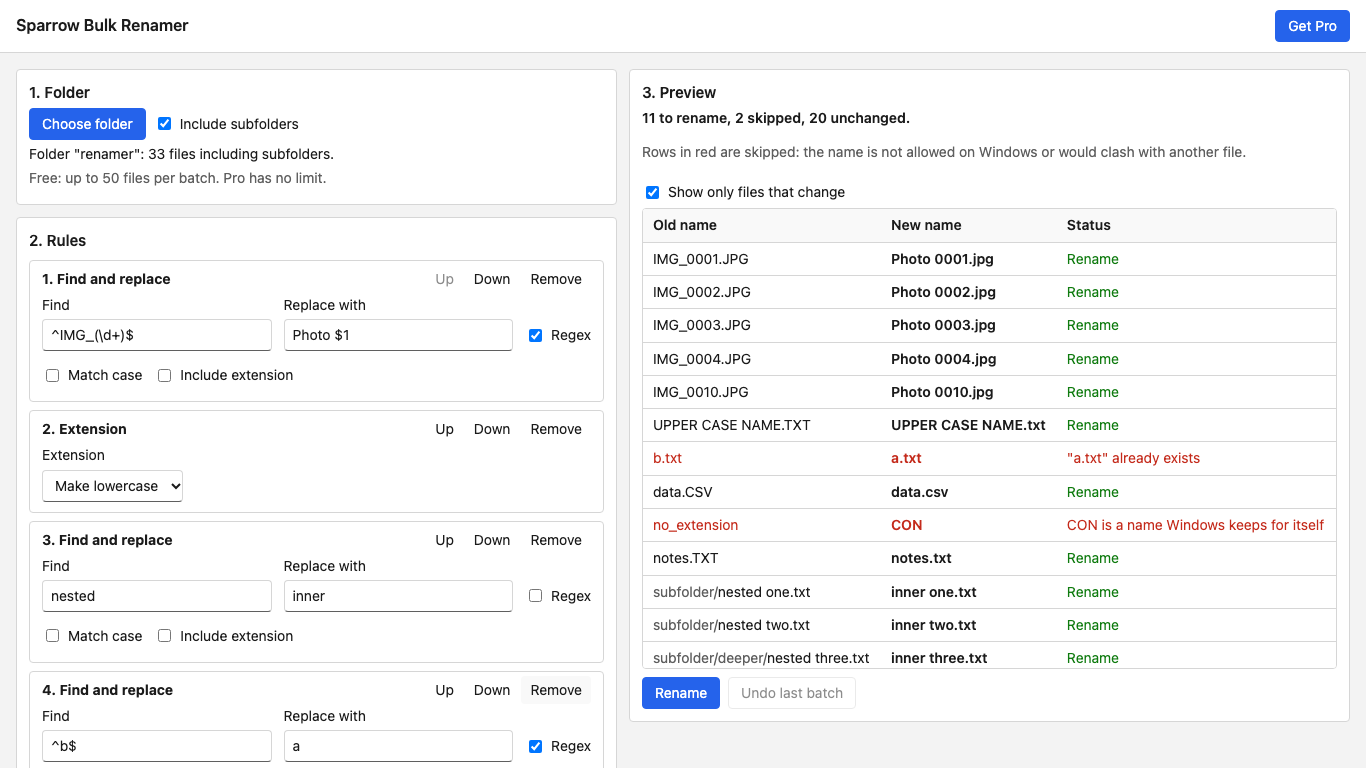
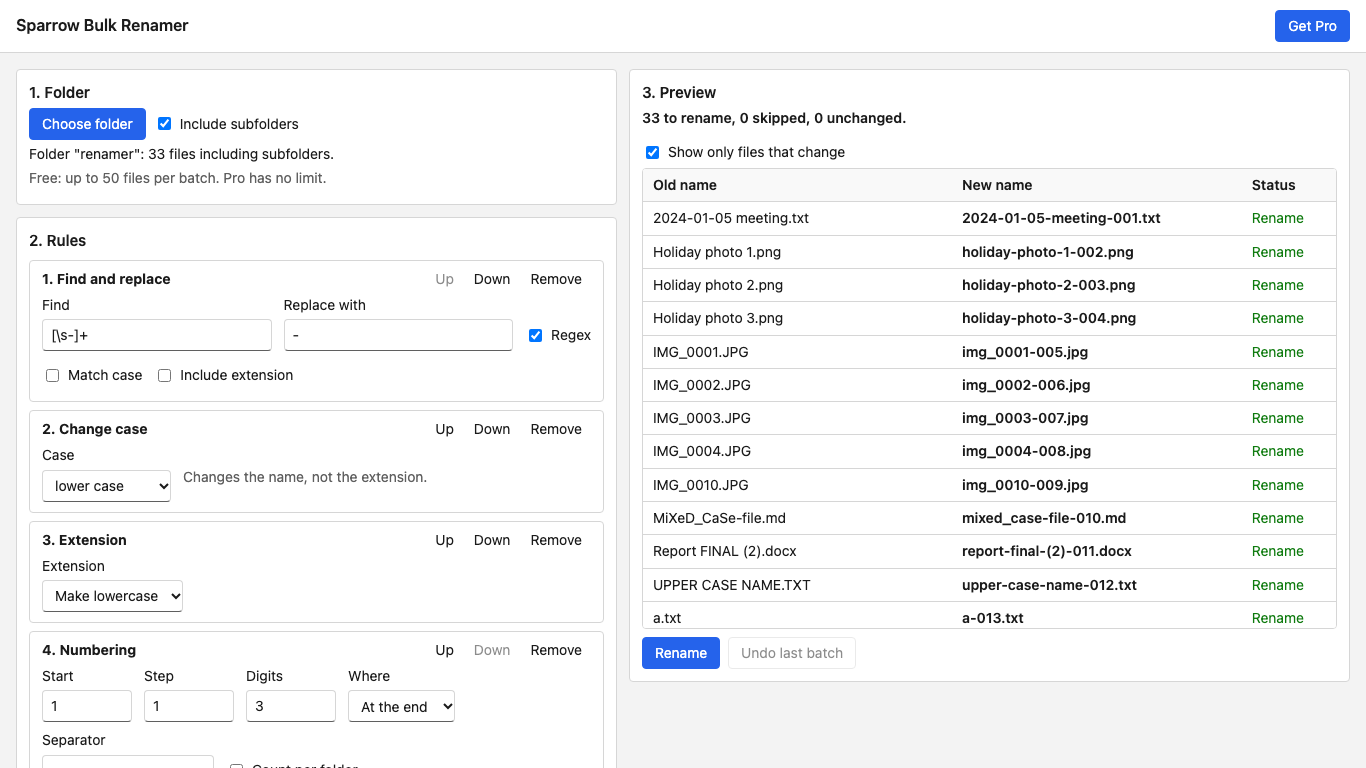
- Open the app and click Choose folder. Tick Include subfolders if you want those files too.
- Add rules in the order you want them: find and replace, add text, numbering, change case, remove characters, change extension or add the file date.
- Read the preview. Names that are not allowed on Windows, or that would clash with another file, are marked in red and skipped.
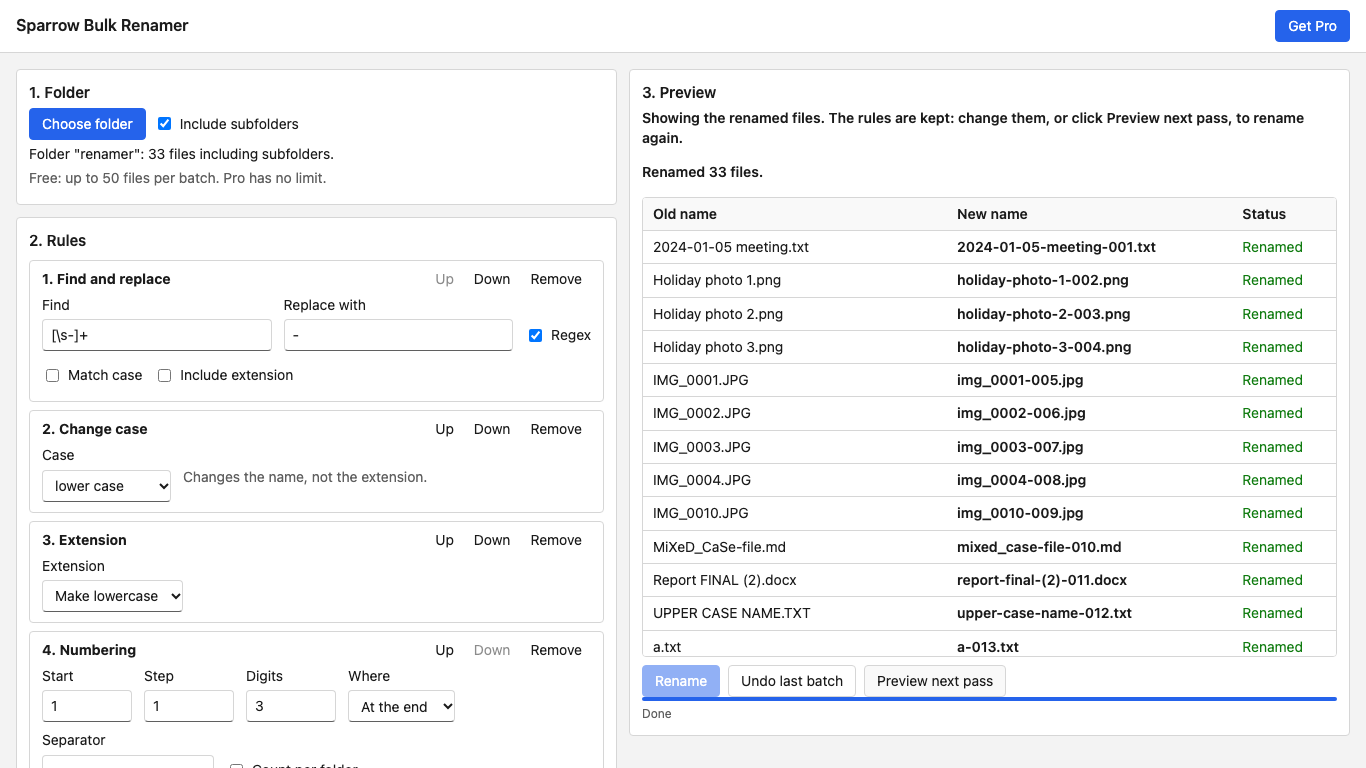
- Click Rename. If the result is not what you wanted, click Undo last batch.
Free and Pro
| Free | Pro | |
|---|---|---|
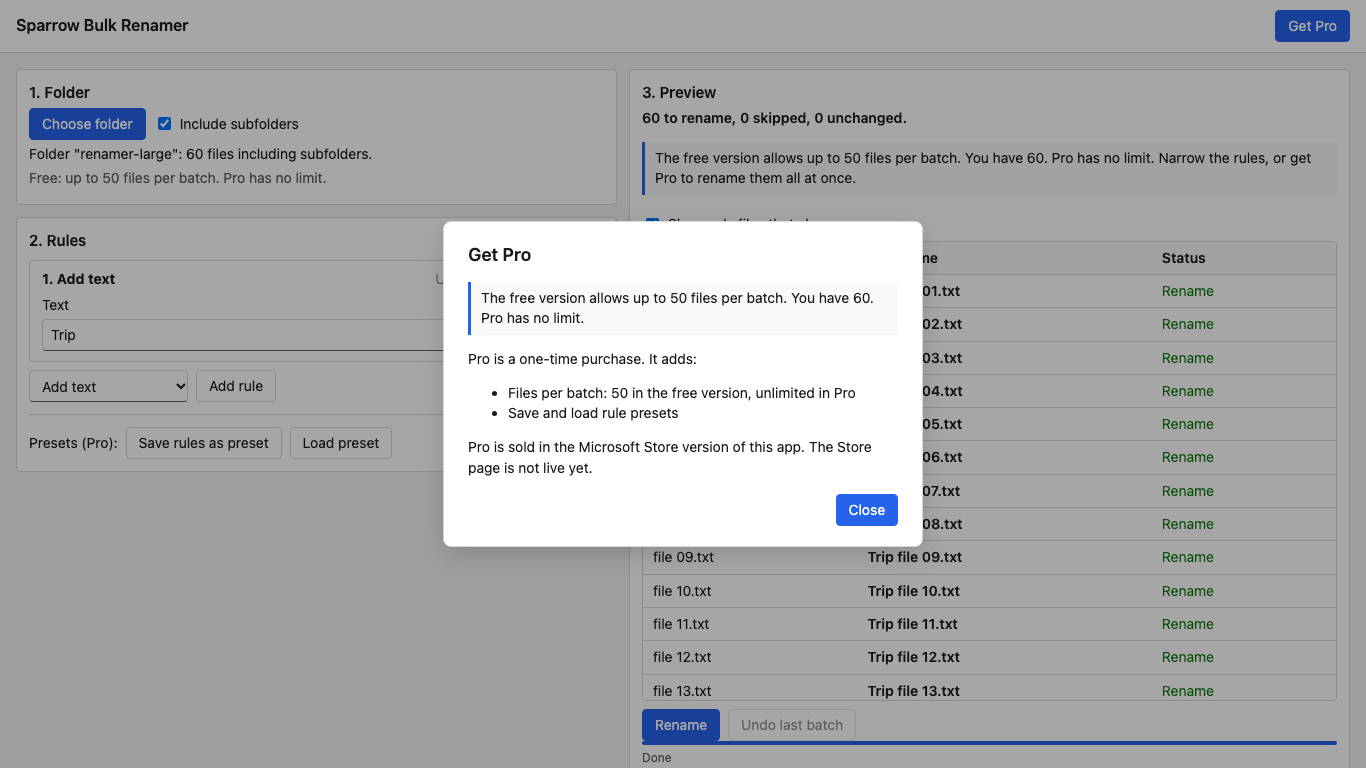
| Files per batch | Up to 50 | No limit |
| All rules, preview and undo | Yes | Yes |
| Save and load rule presets | No | Yes |
Pro is a one-time purchase of USD 17.99 inside the app, through the Microsoft Store (local price and tax shown there). No subscription, no ads, and the free limits never change after you install.
Questions
Can I undo a rename?
Yes. Undo last batch puts the old names back, as long as you have not closed the app or renamed the same files somewhere else.
Does it change the files themselves?
Only the names. When Windows does not allow a direct rename from the app, it copies the file to the new name and removes the old one, so the modified date can change. The preview tells you when that happens.
Does it work with regular expressions?
Yes. Turn on Regex in the find and replace rule. Groups like $1 work in the replacement.