Whose Turn
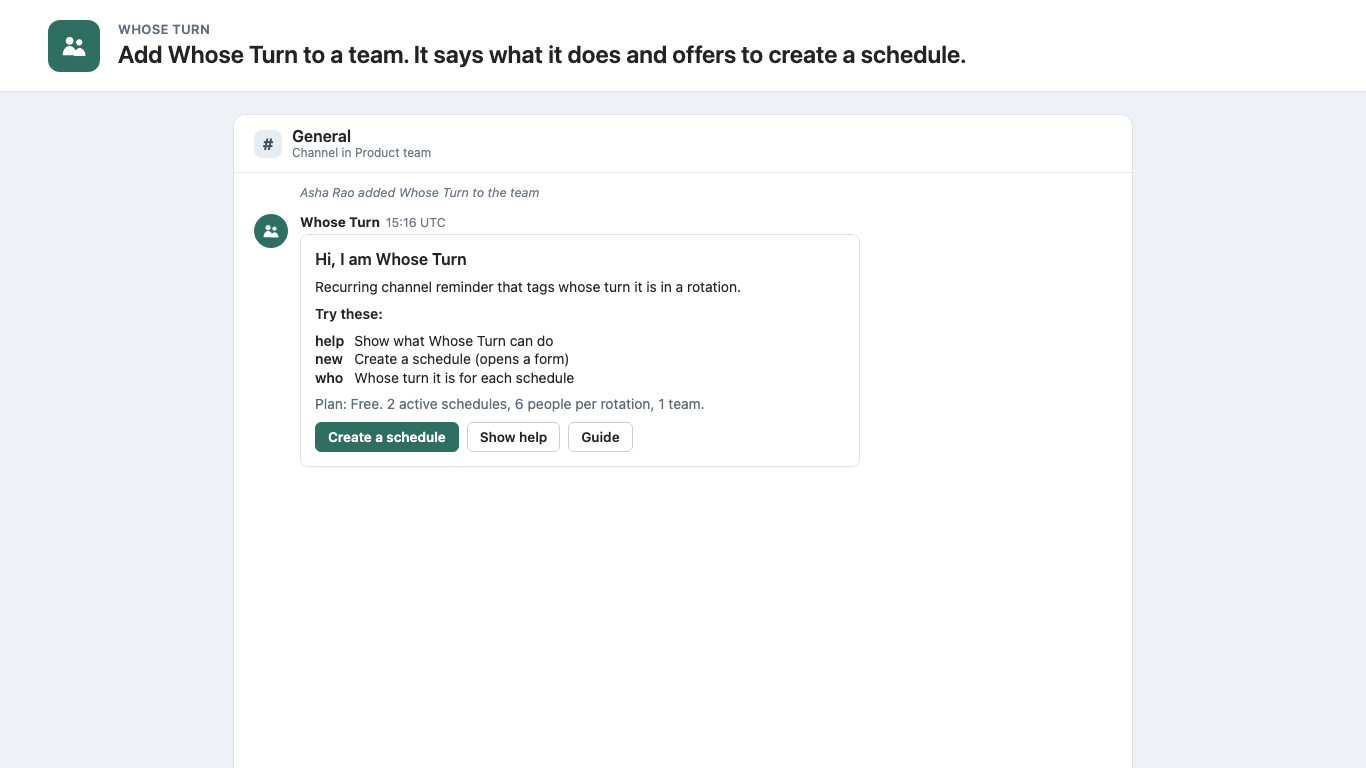
A recurring channel reminder that tags whose turn it is in a rotation, then moves on.
What it does
Teams can't repeat a channel post on its own, and Workflows can't tag the next person in a list. Whose Turn does both.
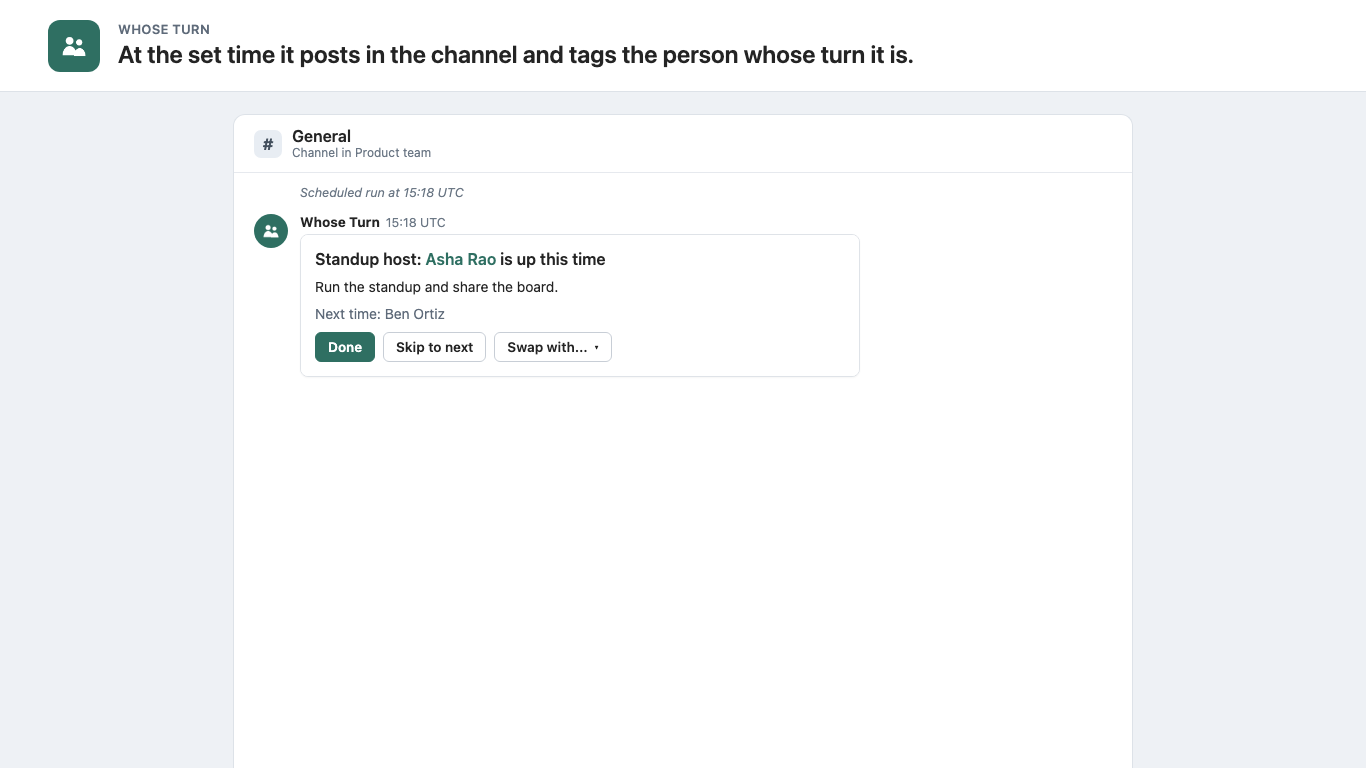
Set a schedule once: the message, the people and how often. On time, the bot posts in the channel and tags the person whose turn it is. The next post tags the next one.
The post has three buttons. Done marks this turn as handled and shows who pressed it; the next post still moves on to the next person, whether anyone pressed Done or not. Skip to next hands this turn to the next person. Swap with lets two people trade turns. Leave the people out and you get a plain recurring reminder.
It needs no Power Automate flow. It asks for no Microsoft Graph permissions. If your organization only allows approved apps, an admin approves it once in the Teams admin center.
Set it up
- Add Whose Turn to a team from the Teams Store and open the channel it should post in.
- In that channel, type @Whose Turn new.
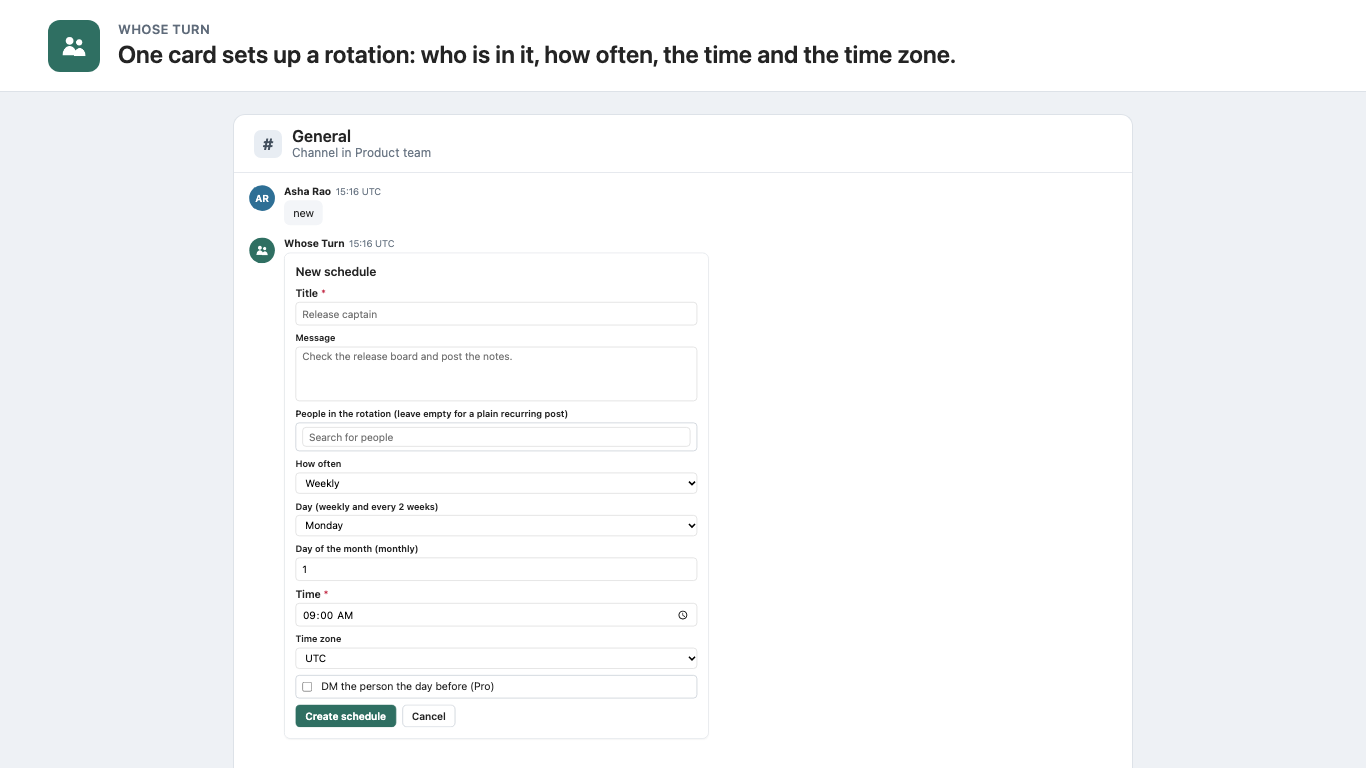
- Fill in the title, the message, the people, how often and the time, then press Create schedule.
- At the next due time the bot posts and tags the first person. Type @Whose Turn who to see who is up.
Commands
| Type this | What happens |
|---|---|
@Whose Turn new | Opens the form to create a schedule |
@Whose Turn who | Shows whose turn it is for each schedule |
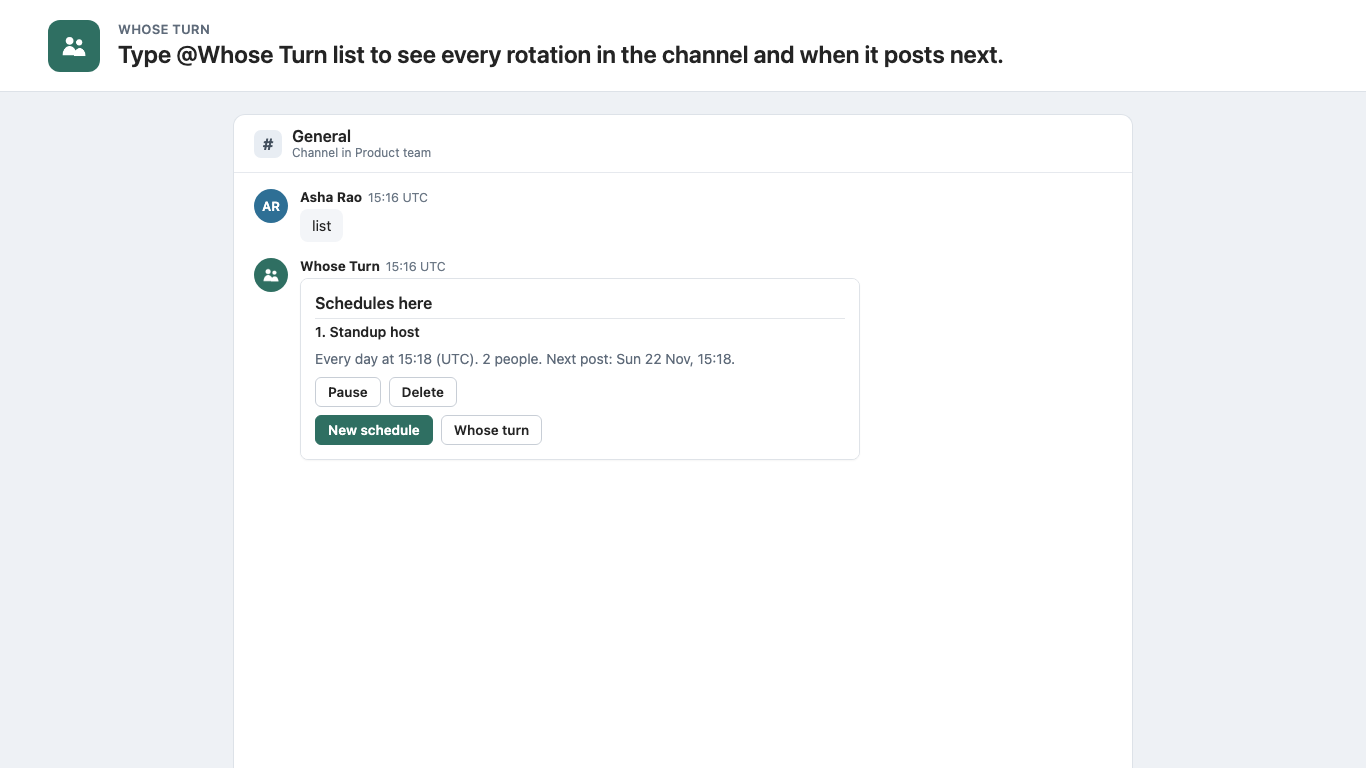
@Whose Turn list | Lists the schedules in this team |
@Whose Turn pause 1 / resume 1 | Stops or restarts schedule 1 |
@Whose Turn delete 1 | Deletes schedule 1 |
@Whose Turn away 1 YYYY-MM-DD | Skips you in schedule 1 up to and including that date; @Whose Turn away 1 off clears it (Pro) |
@Whose Turn help | Shows the commands |
Free and Pro
| Free | Pro | |
|---|---|---|
| Active schedules | 2 per organization | Unlimited |
| Teams | 1 | Unlimited |
| People in a rotation | Up to 6 | Up to 50 |
| How often | Daily, weekdays, weekly, every 2 weeks, monthly | Same |
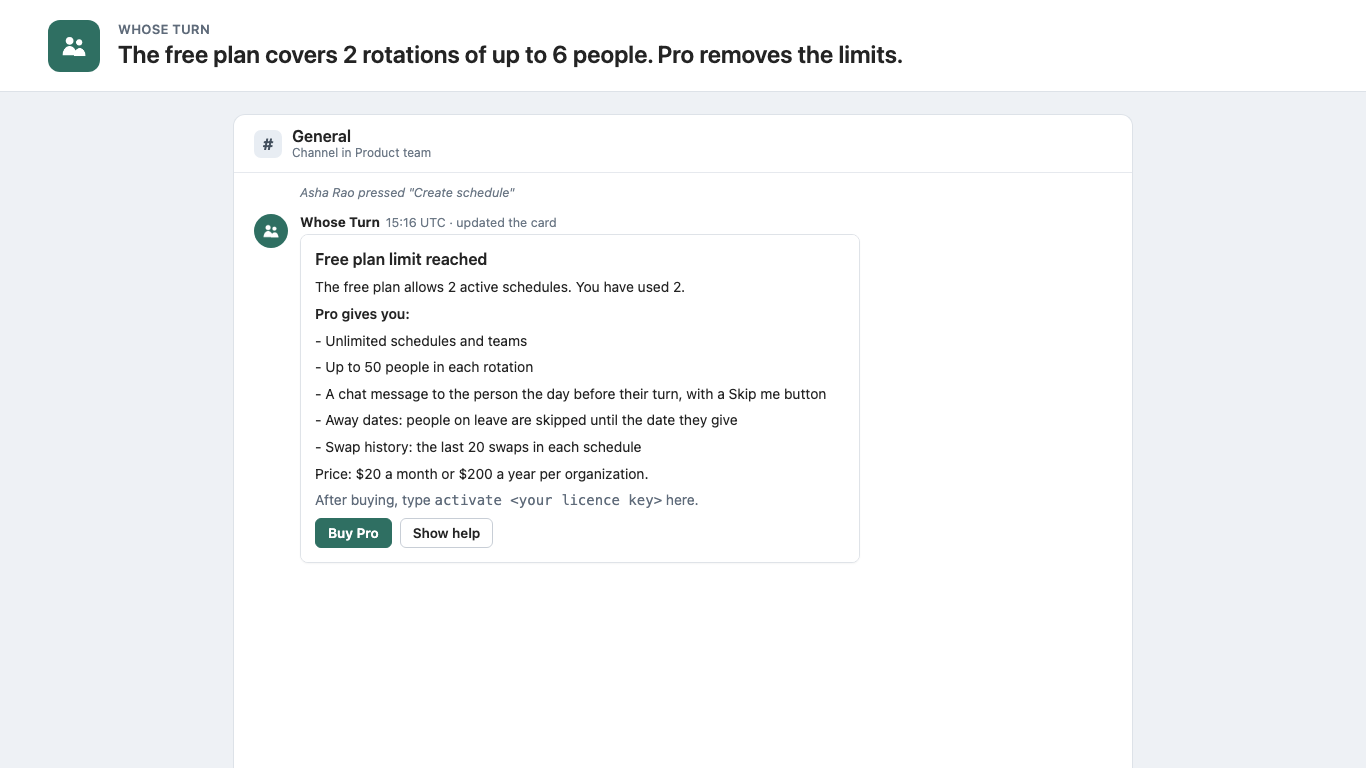
| Day-before reminder by chat | No | Yes |
| Away dates and swap history | No | Yes |
| Price | Free | USD 20 a month or USD 200 a year per organization, plus tax where it applies |
Price
Pro is priced per organization, not per person, because one rotation serves the whole organization. The free plan has no trial period; it keeps working within its limits.
Buy Pro from this page with the Buy Pro button. Freemius, our reseller, emails you a licence key. In the channel, type @Whose Turn activate followed by the key.
You can cancel any time, and you can ask for a full refund within 14 days of buying.
Questions
Does it need admin consent?
It asks for no Microsoft Graph permissions. If your organization only allows approved apps, an admin approves it once in the Teams admin center. It is a bot that only reads what is sent to it and posts in the conversations it was added to.
What does Done do?
It marks the turn as handled and shows who pressed it. It doesn't change the order: the next post goes to the next person either way.
What does it store?
The schedule you create: title, message, the people's names and Teams ids, the time and time zone, whose turn it is, away dates and the last 20 swaps. The privacy page has the full list.
What happens if I remove the app?
We delete that team's schedules within 30 days.
Can it tag a whole channel?
No. It tags one person per post, the one whose turn it is.