Standup Digest
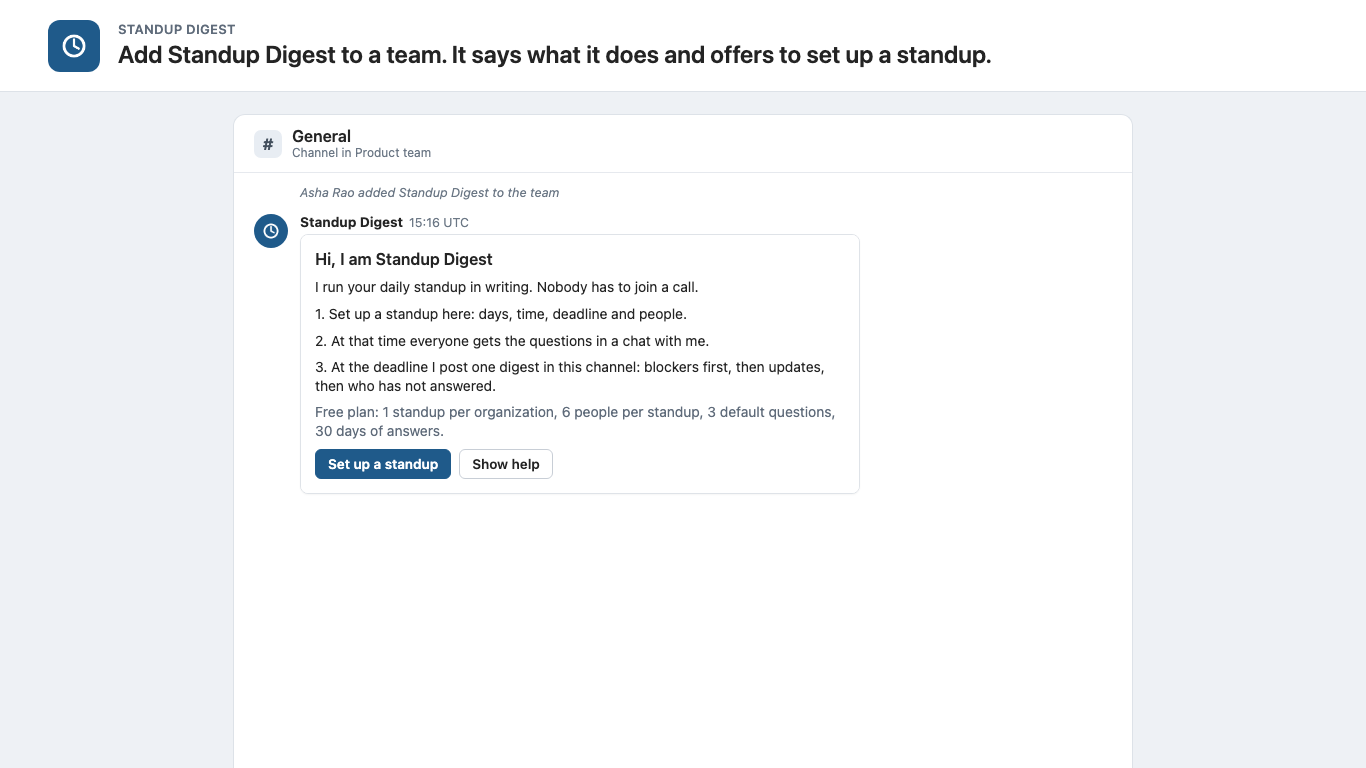
Asks the standup questions by chat, then posts one digest with blockers first.
What it does
A daily standup meeting costs a team 15 minutes every morning. Standup Digest moves it into chat.
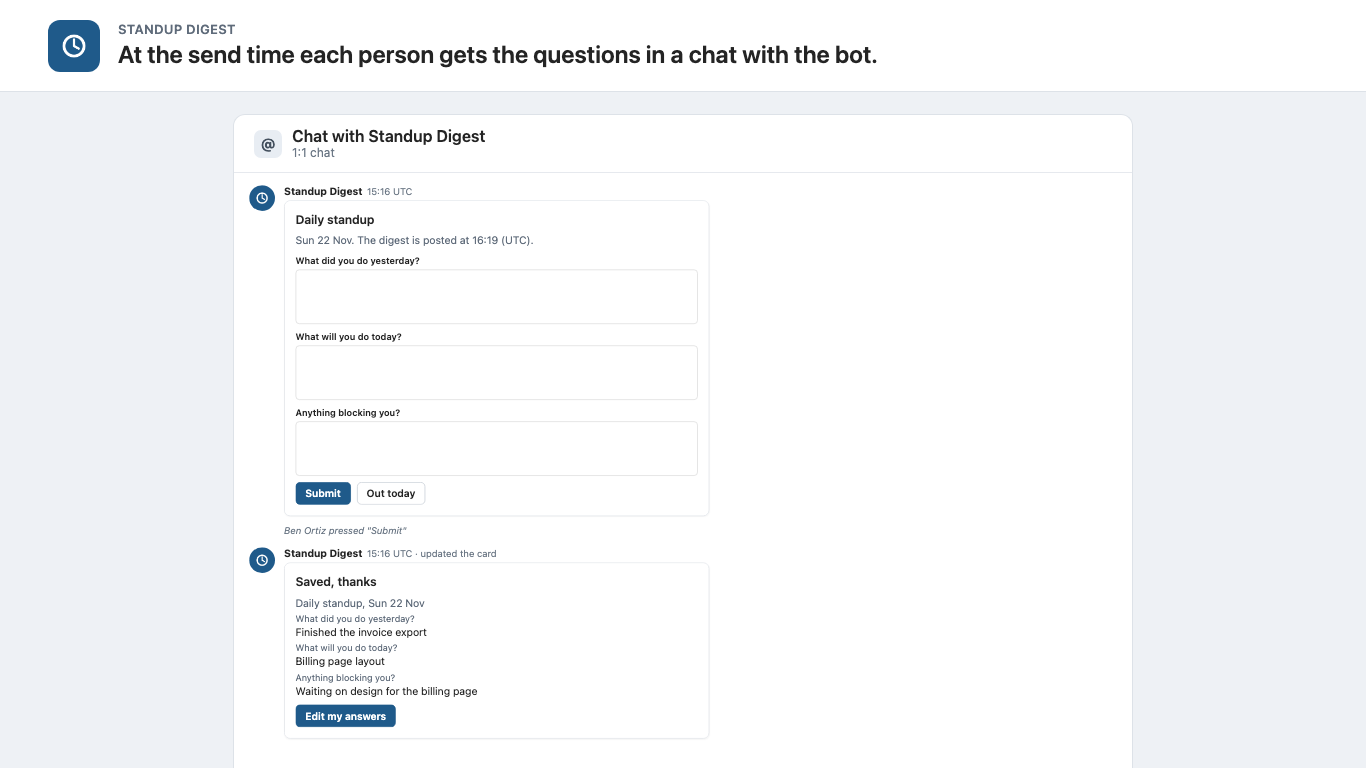
At the time you pick, the bot sends each person the questions in a private chat. They answer when it suits them, or press Out today.
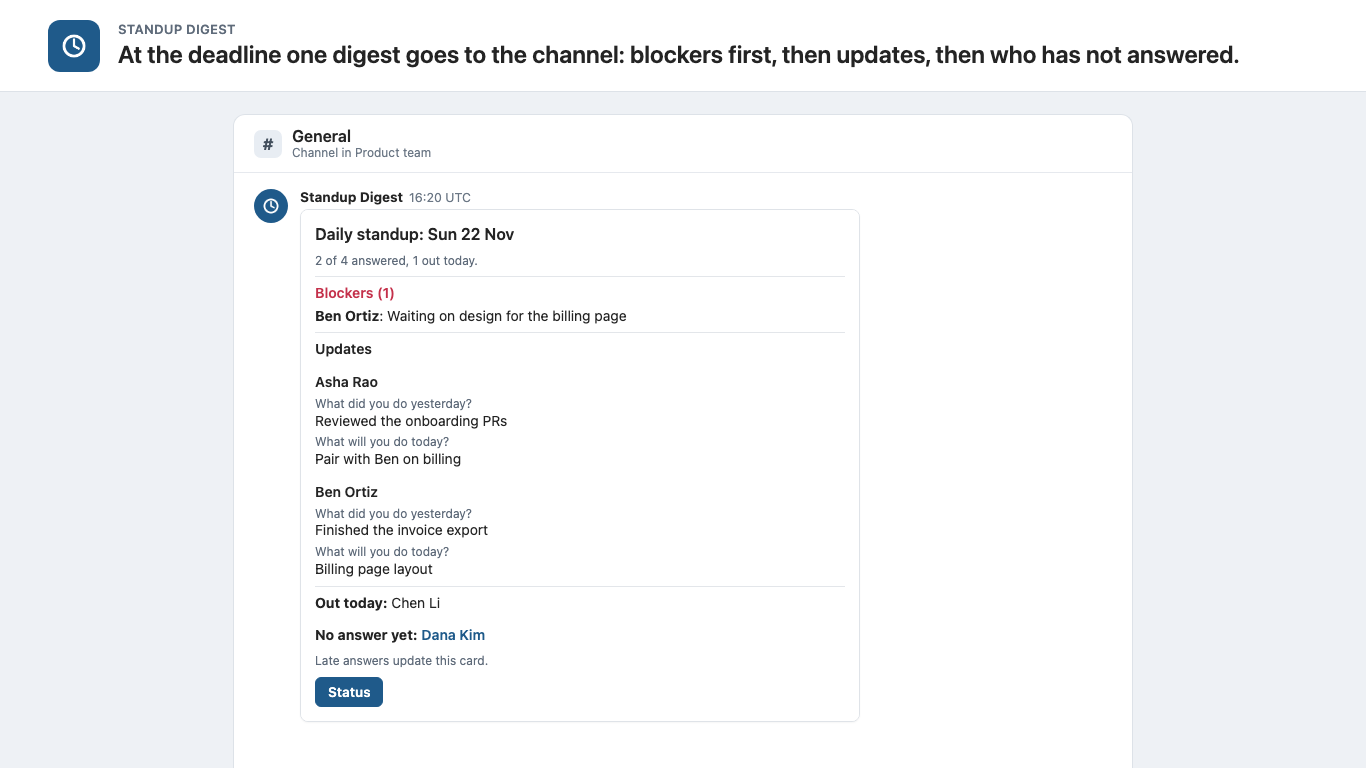
At the deadline it posts one card in the channel. Blockers come first, then everyone's updates, then who hasn't answered yet. A late answer updates the same card, so the channel doesn't fill up.
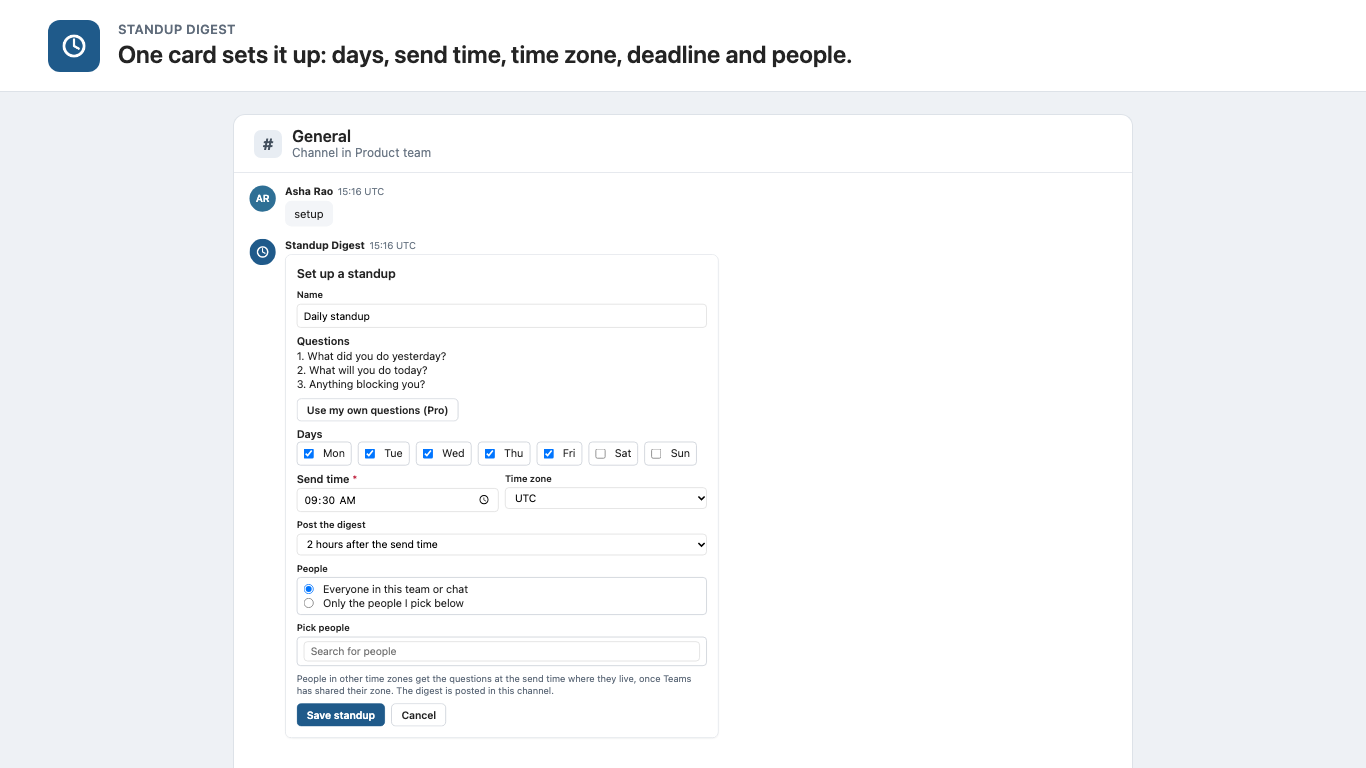
There is no web dashboard and no separate account. Setup is one card in Teams.
Set it up
- Add Standup Digest to a team from the Teams Store and open the channel for the digest.
- In that channel, type @Standup Digest setup.
- Pick the days, the time, the time zone, the deadline and who takes part, then press Save standup.
- On the next standup day each person gets the questions in a private chat. The digest appears in the channel at the deadline.
Commands
| Type this | What happens |
|---|---|
@Standup Digest setup | Opens the setup card |
@Standup Digest standup now | Sends the questions right away |
@Standup Digest status | Shows who has answered today |
@Standup Digest digest | Posts today's digest again |
@Standup Digest skip today | Skips today's standup |
@Standup Digest edit | Changes the days, time, people or (on Pro) the questions |
@Standup Digest pause / resume | Stops or restarts the standup |
@Standup Digest export | Shows the answers as CSV text (Pro) |
@Standup Digest help | Shows the commands |
Free and Pro
| Free | Pro | |
|---|---|---|
| Standups | 1 per organization | Unlimited, several per team |
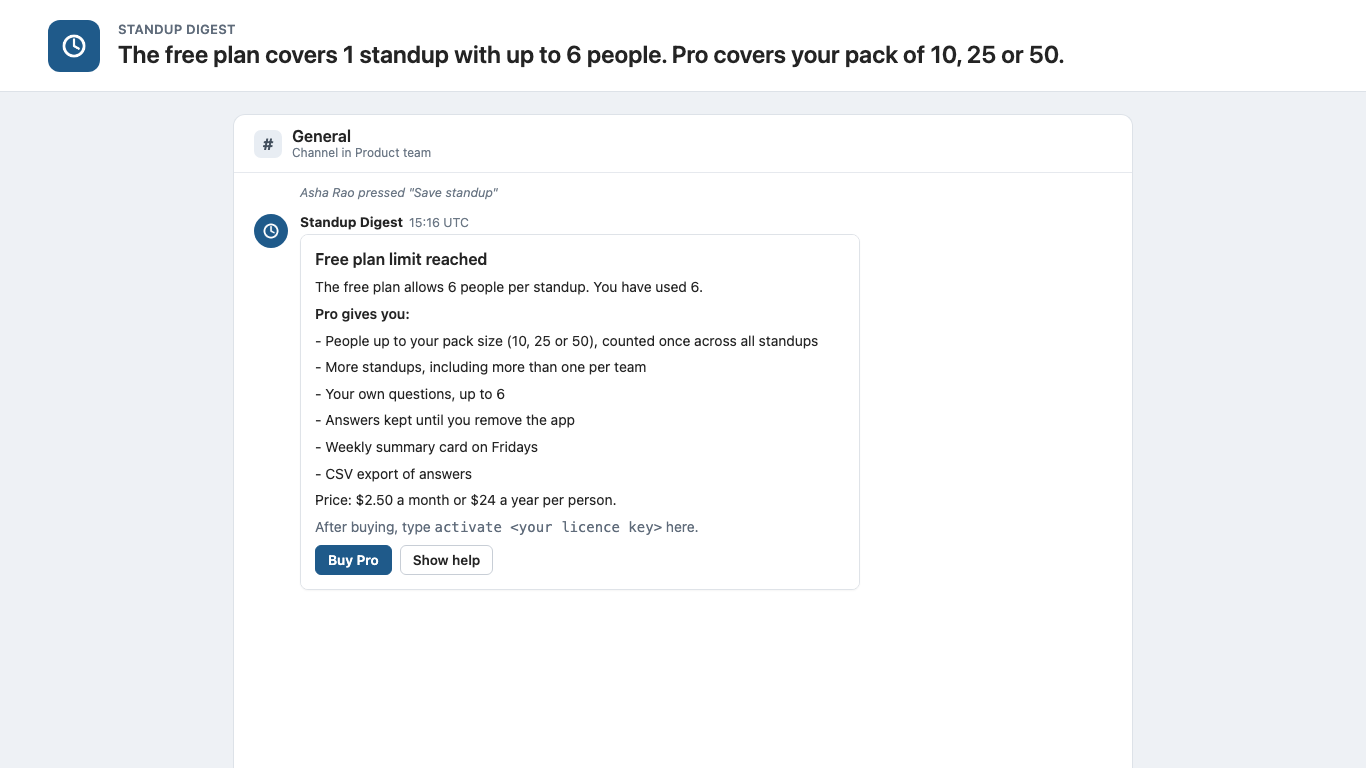
| People | Up to 6 | Up to your pack size (10, 25 or 50), each person counted once across your standups |
| Questions | The 3 standard questions | Your own, up to 6 |
| History | 30 days | Kept until you remove the app |
| Weekly summary and CSV export | No | Yes |
| Price | Free | USD 2.50 per person a month or USD 24 per person a year, sold for 10, 25 or 50 people, plus tax where it applies |
Price
Pro is priced per person because a standup's cost grows with the people in it. Pro covers up to your pack size. The free plan has no trial period; it keeps working within its limits.
Buy Pro from this page with the Buy Pro button and pick a pack of 10, 25 or 50 people. Freemius, our reseller, emails you a licence key. Type @Standup Digest activate followed by the key.
You can cancel any time, and you can ask for a full refund within 14 days of buying.
Questions
Can people answer on their phone?
Yes. The questions arrive in a normal Teams chat, so they work in the Teams app on any device.
Who can see the answers?
Everyone in the digest channel sees the digest. Answers are not shared anywhere else.
Does it use each person's time zone?
It uses the standup's time zone, and a person's own time zone once Teams has shared it with the bot. Until then it uses the standup's time zone.
Does it need admin consent?
It asks for no Microsoft Graph permissions. If your organization only allows approved apps, an admin approves it once in the Teams admin center.
What happens if I remove the app?
We delete that team's standups and answers within 30 days. On Pro, type @Standup Digest export first if you want to keep them.